

Introduction
Aadhaar has become an important identity document for accessing several digital and government services in India. Many online platforms use Aadhaar-based authentication to verify a person's identity without requiring a physical visit.
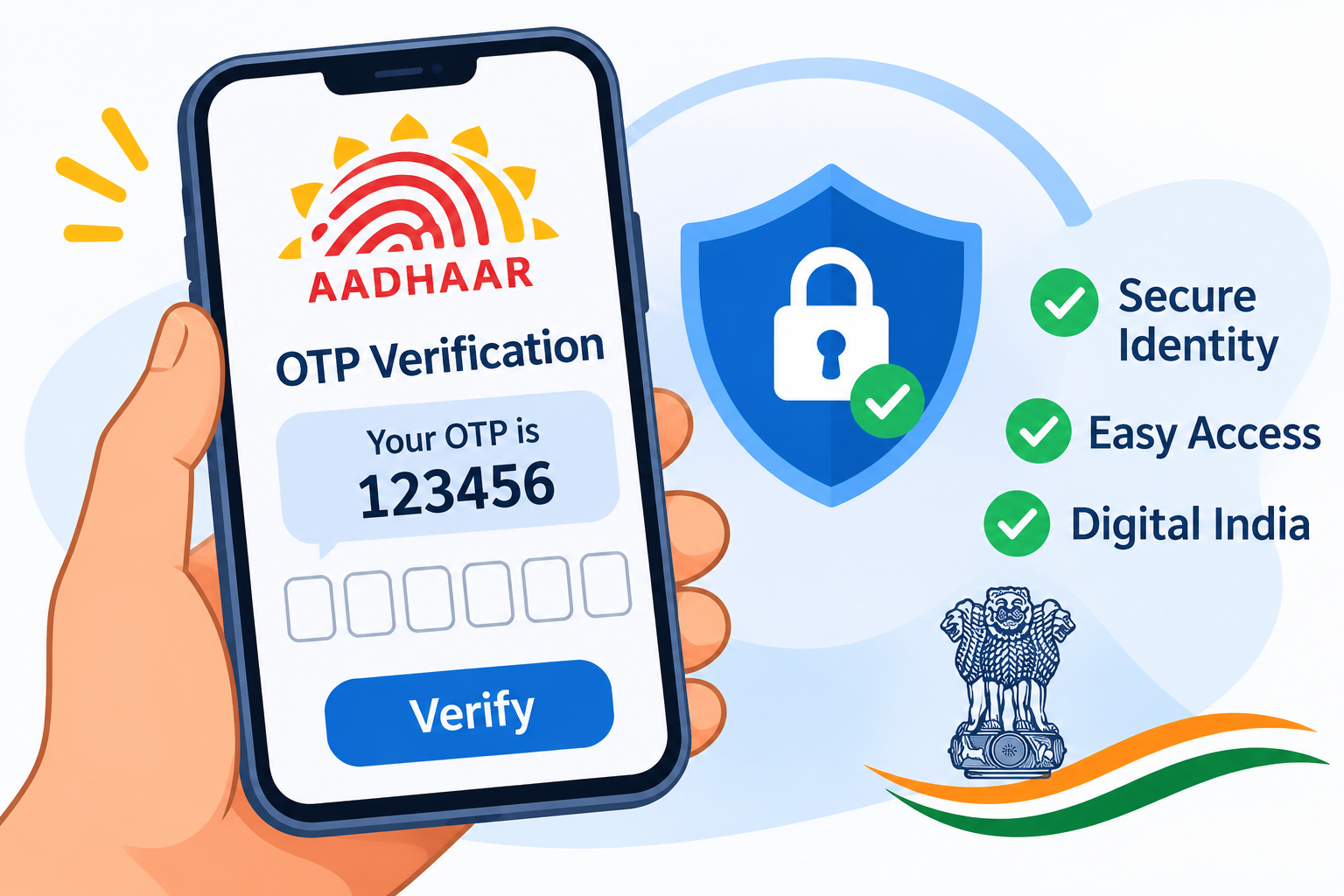
One commonly used method is Aadhaar OTP verification. In this process, a one-time password is sent to the registered contact detail associated with Aadhaar. The user enters the OTP on the authorised platform to complete the verification request.
Aadhaar OTP verification may be used for eligible e-KYC, financial services, government services and other identity-verification processes. However, users should understand why the OTP is being requested before sharing it.
This guide explains the process, benefits, limitations, common problems and security measures associated with Aadhaar OTP verification.
2. How Does Aadhaar OTP Verification Work?
Aadhaar OTP verification works by checking whether the person completing an authentication request has access to the registered mobile number or other registered contact channel supported by the service.
The process generally involves these steps:
-
Start the service: Visit an authorised website, app or service centre that offers Aadhaar authentication.
-
Provide Aadhaar details: Enter the requested Aadhaar number or another supported identifier.
-
Give consent: Read the purpose of verification and provide consent before proceeding.
-
Request the OTP: The authentication system initiates an OTP request.
-
Receive the OTP: A one-time password is sent to the registered mobile number or supported contact channel.
-
Enter the OTP: Type the OTP into the designated field on the authorised platform.
-
Complete authentication: The system checks the submitted OTP and returns the applicable authentication response.
The OTP is intended for a specific authentication request and has limited validity. If it expires, the user may need to request another OTP.
The UIDAI's Aadhaar authentication regulations describe OTP-based authentication as a method in which a time-limited OTP is sent to a registered mobile number or email address, or generated through another appropriate method.
3. Where Is Aadhaar OTP Verification Used?
Aadhaar OTP verification can be used in different digital services, depending on the service provider's authorisation and the applicable rules.
3.1 Banking and Financial Services
Some financial institutions use Aadhaar-based authentication as part of eligible customer verification processes.
Examples may include:
-
Customer identity verification.
-
Certain e-KYC processes.
-
Updating eligible customer information.
-
Accessing specific digital financial services.
Aadhaar OTP verification is not a substitute for every bank's KYC requirements. A bank may ask for additional documents or verification.
3.2 Loan Applications
Some lenders or authorised service providers may use Aadhaar-based OTP authentication as one part of a loan applicant's identity-verification process.
It may help with:
-
Confirming access to a registered mobile number.
-
Completing an eligible Aadhaar e-KYC process.
-
Supporting digital onboarding.
-
Reducing the need for some physical verification steps.
Important: Aadhaar OTP verification does not guarantee loan approval. Lenders may separately evaluate income, credit history, repayment capacity, employment details and other eligibility requirements.
3.3 Government Services
Certain government services may use Aadhaar authentication to verify beneficiaries or applicants.
Examples include eligible digital applications, benefit-related services and identity-confirmation processes.
3.4 Mobile and Digital Services
Some authorised platforms may request Aadhaar-based verification to confirm identity while providing specific services. Always check the platform's identity, purpose and privacy policy before proceeding.
4. Requirements for Aadhaar OTP Verification
Before starting the process, check whether you have the following:
|
Requirement |
Why it is needed |
|---|---|
|
Aadhaar number or supported identifier |
To initiate the authentication request |
|
Registered mobile number |
To receive the OTP where mobile OTP is used |
|
Active mobile connection |
To receive SMS messages |
|
Internet connection |
To access the online service |
|
Authorised platform |
To submit the authentication request |
|
User consent |
To allow the stated verification process |
The mobile number must be registered with Aadhaar for Aadhaar-linked mobile OTP services. If your number is not registered or you no longer have access to it, you may need to visit an Aadhaar Enrolment or Update Centre to update your mobile number.
Refer to the official UIDAI website for Aadhaar-related services and instructions.
5. Step-by-Step Guide to Aadhaar OTP Verification
Follow these general steps when an authorised service requests Aadhaar OTP authentication.
Step 1: Visit the Official Service
Open the official website or application of the organisation requesting verification. Avoid links received through unknown SMS messages, emails or social media accounts.
Step 2: Read the Verification Purpose
Check why Aadhaar authentication is required. Understand what information may be shared and whether the process is necessary for the service.
Step 3: Enter Your Aadhaar Details
Enter the requested information carefully. Make sure the website or application is genuine and secure.
Step 4: Request the OTP
Select the option to generate or send the OTP. Wait for the authentication message.
Step 5: Enter the OTP
Enter the OTP only on the genuine verification page where you initiated the request. Do not share it with a caller, agent or unknown person.
Step 6: Check the Result
The platform will display the authentication result or guide you through the next step. If authentication fails, check the error message instead of repeatedly submitting requests.
6. Benefits of Aadhaar OTP Verification
Aadhaar OTP verification can make eligible digital identity checks more convenient.
1. Convenient online verification
Users may be able to complete certain identity checks without visiting a physical office.
2. Faster authentication
The process can reduce delays associated with some manual verification steps.
3. Supports digital services
It helps authorised service providers offer eligible digital authentication and e-KYC services.
4. User participation
The user receives the OTP and must enter it to complete the OTP-based authentication request.
5. Reduced paperwork in some processes
Certain digital services may require fewer physical documents when an eligible e-KYC process is available.
7. Limitations of Aadhaar OTP Verification
Although useful, Aadhaar OTP verification has some limitations.
|
Limitation |
Explanation |
|---|---|
|
Registered mobile dependency |
The user needs access to the registered mobile number for mobile OTP |
|
Network problems |
Poor mobile connectivity can delay SMS delivery |
|
OTP expiry |
An expired OTP cannot be used for the original request |
|
Not universal |
Not every service accepts Aadhaar OTP authentication |
|
Privacy concerns |
Users must understand how their information will be processed |
|
Not proof of every detail |
OTP verification alone does not establish income, employment or loan repayment capacity |
OTP verification should be treated as one identity-authentication method, not as complete proof of a person's financial eligibility.
8. Common Aadhaar OTP Verification Problems and Solutions
Users may sometimes experience problems while trying to complete Aadhaar OTP verification.
|
Problem |
Possible reason |
What to do |
|---|---|---|
|
OTP not received |
Network delay or incorrect registered number |
Check mobile connectivity and registered number |
|
Invalid OTP |
Incorrect digits entered |
Carefully re-enter the latest OTP |
|
OTP expired |
The OTP's validity period has ended |
Request a fresh OTP |
|
Authentication failed |
Technical or data-related issue |
Follow the platform's error instructions |
|
Mobile number not linked |
Number is not registered with Aadhaar |
Visit an Aadhaar Update Centre |
|
Too many requests |
Repeated OTP requests |
Wait before trying again |
|
Website not responding |
Server or internet issue |
Try again later through the official service |
What to Do If Aadhaar OTP Is Not Received
Follow these steps:
-
Check whether your mobile phone has network coverage.
-
Confirm that you are using the mobile number registered with Aadhaar.
-
Check whether SMS messages are being blocked or filtered.
-
Wait briefly before requesting another OTP.
-
Avoid repeatedly requesting OTPs in a short period.
-
If the issue continues, contact the service provider or UIDAI through official channels.
For Aadhaar-related assistance, visit the UIDAI portal or contact UIDAI's helpline at 1947.
9. Common Mistakes to Avoid During Aadhaar OTP Verification
Small mistakes can lead to failed authentication or expose users to fraud.
9.1 Sharing OTP With Others
Never share your Aadhaar OTP with unknown callers, agents or people claiming to represent a bank or government department.
9.2 Using Unofficial Websites
Fraudulent websites may imitate genuine Aadhaar or financial-service pages to collect personal information.
9.3 Ignoring the Purpose of Verification
Do not approve an authentication request without understanding why it is being made.
9.4 Entering OTP on Unknown Links
Avoid entering OTPs through links sent by unknown people or suspicious messages.
9.5 Assuming OTP Means Loan Approval
An OTP may confirm an authentication request. It does not automatically mean that a bank or lender has approved a loan.
9.6 Ignoring Authentication Messages
Pay attention to messages about Aadhaar authentication. If you receive an unexpected OTP, do not share it or approve a request you did not initiate.
10. Aadhaar OTP Verification Safety Tips
Protecting Aadhaar details is important when using digital services.
-
Use only genuine and authorised websites or applications.
-
Never disclose your OTP to another person.
-
Do not approve an authentication request that you did not initiate.
-
Read the consent statement before proceeding.
-
Avoid using public computers for sensitive identity verification.
-
Keep your phone and applications updated.
-
Do not save OTPs in unsecured notes or messages.
-
Check your Aadhaar authentication history periodically.
-
Consider Aadhaar or biometric locking options if you need additional protection.
-
Use official UIDAI services to manage your Aadhaar information.
Check Aadhaar Authentication History
UIDAI provides an authentication-history facility through its official services. Users can review available records of Aadhaar authentication, including the type and details of authentication transactions.
If you notice suspicious activity, contact UIDAI and the relevant service provider promptly.
Consider Aadhaar Locking
UIDAI provides Aadhaar lock/unlock and biometric lock/unlock facilities. Locking Aadhaar restricts authentication using the Aadhaar number until it is unlocked. Biometric locking restricts biometric authentication but does not itself disable OTP-based authentication.
Read the official instructions before enabling either feature.
Official service: myAadhaar portal
11. Aadhaar OTP Verification vs Biometric Verification
Aadhaar supports multiple authentication methods. OTP and biometric verification work differently.
|
Feature |
OTP Verification |
Biometric Verification |
|---|---|---|
|
Authentication method |
One-time password |
Fingerprint, iris or other supported biometric |
|
Main requirement |
Access to registered contact channel |
Supported biometric capture |
|
Internet or system access |
Required by the online service |
Required by the authentication service |
|
Common issue |
OTP delay or expiry |
Biometric mismatch or locked biometrics |
|
User action |
Enter the OTP |
Provide the required biometric |
|
Security consideration |
Protect the OTP |
Protect biometric access and devices |
The appropriate method depends on the service provider, the user's consent and the authentication options available.
12. Documents and Information to Keep Ready
Aadhaar OTP authentication may not require uploading several documents. However, the organisation requesting verification may need additional information for its own process.
Depending on the service, you may need:
-
Aadhaar number or another supported identifier.
-
Access to the registered mobile number.
-
PAN card, if separately required.
-
Bank account information, if relevant.
-
Address or income documents, if required by the service provider.
-
Other KYC documents requested under applicable rules.
Do not upload documents simply because an unknown person requests them. Verify the organisation and the reason for collecting the information.
13. Aadhaar OTP Verification for Personal Loans
Some lenders or authorised service providers may use Aadhaar OTP-based authentication as part of their digital onboarding or e-KYC process.
However, borrowers should understand that Aadhaar verification and loan approval are two different activities.
What Aadhaar OTP Can Help With
-
Supporting an eligible identity-verification process.
-
Confirming access to the registered mobile number.
-
Helping complete an authorised digital e-KYC request.
What It Cannot Guarantee
-
Loan approval.
-
A particular loan amount.
-
A low interest rate.
-
Immediate disbursement.
-
A specific repayment tenure.
Before applying for a personal loan, check the lender's identity, interest rate, processing fee, repayment schedule, Key Facts Statement (KFS), privacy policy and total borrowing cost.
Borrower safety tip: A genuine lender should not ask you to disclose your Aadhaar OTP over a phone call or WhatsApp message. Enter an OTP only into the authorised authentication process you initiated and consented to.
14. Expert Commentary: Why Safe Aadhaar OTP Use Matters
Aadhaar OTP verification makes certain digital identity checks easier, but convenience should not replace caution.
Users should remember three important points:
-
An OTP is meant to complete a specific authentication request.
-
Identity verification does not automatically mean approval for a financial product or government benefit.
-
Personal information should only be shared with an authorised organisation for a clearly explained purpose.
For example, if a person applies for a personal loan and receives an Aadhaar OTP, they should first confirm that the request was initiated through the lender's genuine platform. They should read the consent details and enter the OTP only if they understand and agree to the verification.
Responsible use of Aadhaar authentication can help users benefit from digital services while reducing the risk of identity misuse.
15. Key Takeaways
-
Aadhaar OTP verification is a digital identity-authentication method.
-
The OTP is sent to the registered mobile number or another supported registered contact channel.
-
The OTP has limited validity.
-
Users should enter OTPs only on authorised platforms.
-
Never share an Aadhaar OTP with callers or unknown agents.
-
OTP verification does not guarantee loan approval.
-
Users can check authentication history through UIDAI services.
-
Aadhaar and biometric locking options can provide additional control over authentication.
-
Contact UIDAI through official channels if you notice suspicious activity.
16. Frequently Asked Questions
1. What is Aadhaar OTP verification?
Aadhaar OTP verification is an electronic authentication method in which a one-time password is sent to a registered contact channel and used to complete an Aadhaar authentication request.
2. How do I receive an Aadhaar OTP?
When an authorised service initiates an OTP-based Aadhaar authentication request, the OTP is sent to the registered mobile number or another supported registered contact channel.
3. Is a registered mobile number necessary for Aadhaar OTP verification?
Yes, a registered mobile number is necessary for mobile OTP-based Aadhaar authentication. If your number is not registered, you may need to update it through an Aadhaar Enrolment or Update Centre.
4. Why is my Aadhaar OTP not arriving?
Possible reasons include poor network coverage, an incorrect or outdated registered number, SMS delivery delays or technical issues with the service.
5. Can I complete Aadhaar OTP verification online?
Yes. You can complete it online when the service provider offers an authorised Aadhaar OTP authentication facility.
6. Is Aadhaar OTP verification safe?
It can be used securely when you initiate the request through an authorised platform, understand the purpose and never disclose the OTP to another person.
7. Can someone access my Aadhaar using an OTP?
An OTP may be used to complete an authentication request. Never share it with others, and do not approve requests you did not initiate. Contact UIDAI if you suspect misuse.
8. Does Aadhaar OTP verification guarantee a personal loan?
No. It may support identity verification, but loan approval depends on the lender's eligibility checks, income assessment, credit profile and other requirements.
9. What should I do if I enter the wrong OTP?
If authentication fails, request a fresh OTP through the authorised service and enter the latest valid code.
10.Can I use Aadhaar OTP if my biometrics are locked?
Yes. Biometric locking and Aadhaar locking are different. Locking biometrics does not itself prevent OTP-based authentication. However, locking the Aadhaar number restricts authentication using that number until it is unlocked.
11. How can I check my Aadhaar authentication history?
Visit the official myAadhaar portal, sign in using the available verification process and access the authentication-history service.
12. Is Aadhaar OTP the same as a bank OTP?
No. Aadhaar OTP is used for Aadhaar-related authentication, while a bank OTP is generated for a banking transaction or service. Both should be kept confidential.
13. Can I update my Aadhaar mobile number online?
Mobile-number updates generally require visiting an Aadhaar Enrolment or Update Centre. Check UIDAI's official website for the current procedure.
14. What should I do if I receive an Aadhaar OTP without requesting it?
Do not share or enter the OTP. Avoid responding to suspicious calls or messages. If you notice unauthorised authentication activity, check your authentication history and contact UIDAI.
15. Is Aadhaar OTP verification free?
The OTP authentication process itself is not a reason to pay an unknown agent. Check the official UIDAI service information and any separate charges applicable to the service you are using.
17. Conclusion
Aadhaar OTP verification is an important part of India's digital identity ecosystem. It allows eligible organisations to authenticate identity through a one-time password sent to a registered contact channel.
The process can make online verification more convenient, but users must remain careful while sharing personal information. Always verify the platform, understand the purpose of authentication and keep your OTP confidential.
Whether you are using Aadhaar for banking, government services or a personal loan application, responsible authentication practices can help protect your digital identity.
Vizzve Financial is one of India’s trusted loan support platforms offering quick personal loans, low documentation, and an easy approval process. Apply at www.vizzve.com
Published on : 26th November
Published by : Bhargavi
www.vizzve.com || www.vizzveservices.com
Follow us on social media: Facebook || Linkedin || Instagram
🛡 Powered by Vizzve Financial
RBI-Registered Loan Partner | 10 Lakh+ Customers | ₹600 Cr+ Disbursed