

Blog Banner

Blog Details

Google AI Chatbot Gemini: Features, Uses and Complete Guide

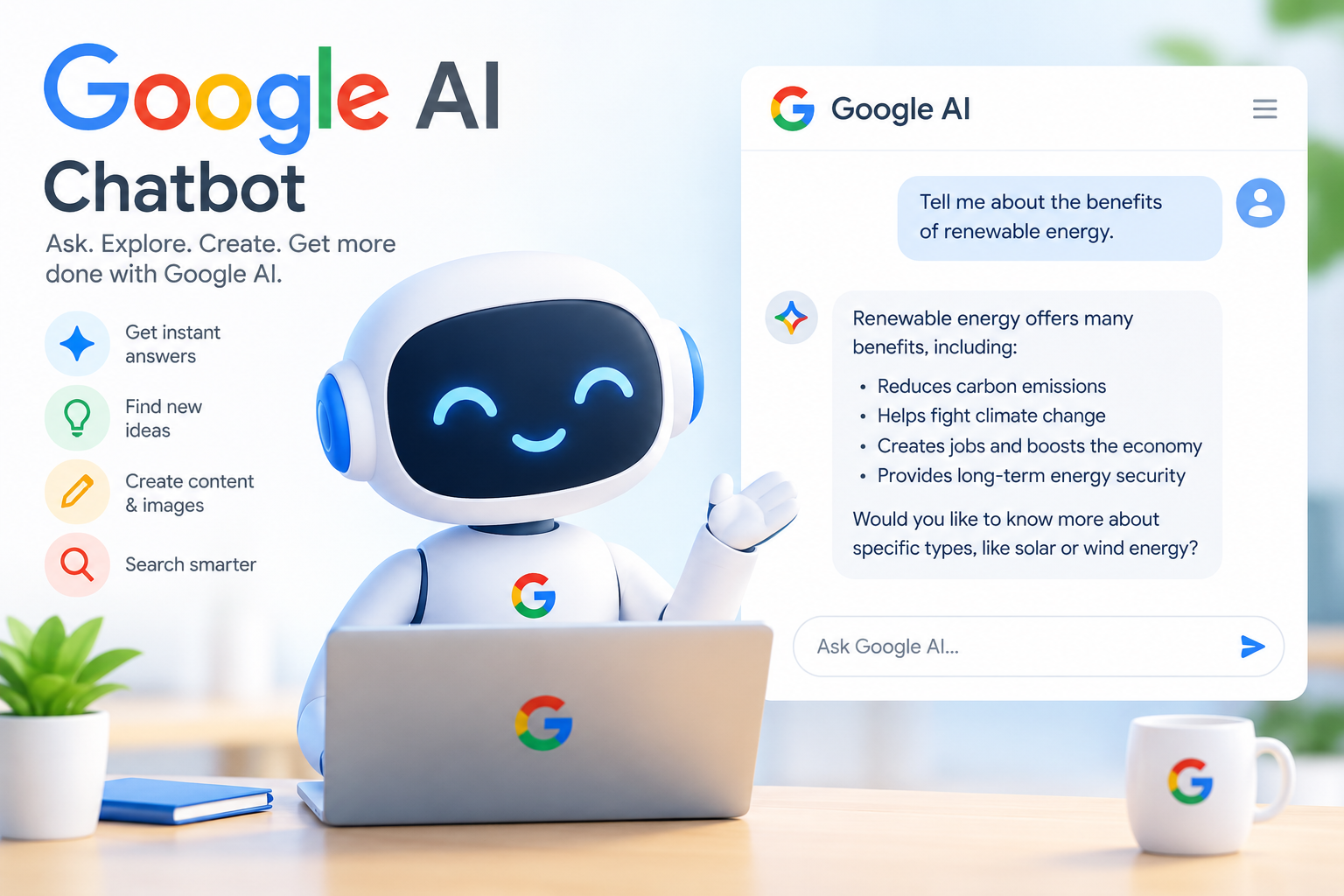
Google Gemini AI chatbot interface showing an artificial intelligence assistant for writing, research, planning, and productivity tasks.

Google AI Chatbot Gemini: Features, Uses and Complete Guide

Vizzve Admin

Google’s AI chatbot is called Gemini. It is Google’s generative AI assistant designed to understand and respond to text, images, audio, video, documents, and other types of information.

Gemini can help users write emails, summarise documents, brainstorm ideas, learn new subjects, analyse images, plan activities, write code, and interact with selected Google services. Google also uses customised Gemini models to support AI features in Search, including AI Overviews.gemini+1

Whether you are a student, employee, business owner, content creator, or technology enthusiast, Google Gemini can act as a digital assistant for research, communication, creativity, and productivity.

Quick answer: Google Gemini is Google’s AI chatbot and personal assistant. It can answer questions, generate content, analyse information, assist with planning, and work across several Google products.


AI Answer Box

What is the Google AI chatbot?

The Google AI chatbot is Google Gemini, an artificial intelligence assistant developed by Google. It uses multimodal language models to process and generate content from text, images, audio, video, and documents.gemini

What can Google Gemini do?

Google Gemini can:

  • Answer questions.

  • Write and edit content.

  • Summarise webpages and documents.

  • Analyse images and files.

  • Generate and edit images.

  • Help with coding.

  • Support research and learning.

  • Assist with planning and brainstorming.

  • Provide real-time voice conversations through Gemini Live.

  • Work with selected Google applications and services.android

Is Google Gemini free?

Google provides access to Gemini through free and paid options, although available features, model access, usage limits, and integrations may vary by country, account type, and subscription plan.


What Is Google Gemini?

Google Gemini is an AI-powered chatbot and assistant created by Google. It is designed to understand natural-language requests and provide useful responses in a conversational format.

Unlike a traditional search engine that mainly returns webpages, Gemini attempts to understand the user’s request and produce a direct response. Users can then ask follow-up questions to refine the answer.

Gemini is also multimodal, meaning it can work with multiple forms of information rather than text alone. Depending on the feature and access level, users may be able to upload or discuss images, files, videos, and audio.

How does Google Gemini work?

Gemini uses large AI models trained to recognise patterns in language and other data. When a user enters a prompt, the system analyses the request, identifies relevant context, and generates a response.

Its answers are produced through statistical language modelling, not human understanding. Therefore, Gemini may occasionally provide inaccurate, outdated, incomplete, or misleading information.

For important decisions involving money, health, law, employment, or personal safety, users should verify the response through reliable sources or qualified professionals.


Main Features of Google Gemini

1. Conversational question answering

Gemini allows users to ask questions in everyday language. It can explain difficult subjects, compare options, provide examples, and continue a conversation using previous context.

For example, a user could ask:

“Explain personal loan interest rates in simple language.”


Gemini may explain the concept using examples, definitions, and a step-by-step breakdown.

2. Writing and editing assistance

Gemini can help create or improve:

  • Emails.

  • Blog posts.

  • Social media captions.

  • Business proposals.

  • Customer-service messages.

  • Meeting summaries.

  • Product descriptions.

  • Job applications.

  • Study notes.

It can also change the tone of a message, such as making it more formal, friendly, concise, persuasive, or professional.

3. Summarising documents

Users can provide documents or other content and ask Gemini to identify the main points. This can be useful for:

  • Meeting notes.

  • Reports.

  • Articles.

  • Study materials.

  • Policies.

  • Presentations.

  • Business documents.

The quality of the summary depends on the file, the prompt, and the information available to the model.

4. Image understanding

Gemini can analyse images and answer questions about visible information. For example, users may ask it to:

  • Describe an image.

  • Extract visible text.

  • Explain a chart.

  • Identify objects.

  • Suggest design improvements.

  • Review a presentation slide.

  • Create a caption.

Users should avoid uploading confidential documents, identity cards, financial details, or private information unless they understand the relevant privacy settings and terms.

5. Gemini Live

Gemini Live provides a more natural voice-based interaction with Gemini. Google describes it as a way to brainstorm, organise thoughts, and share a camera or screen while receiving spoken responses.android

Possible uses include:

  • Practising an interview.

  • Discussing an idea aloud.

  • Getting help while viewing a screen.

  • Talking through a travel plan.

  • Learning through a spoken conversation.

6. Google app integration

Gemini can work with selected Google products and services. Depending on availability, it may help users with tasks connected to services such as Gmail, Maps, Calendar, Docs, or other Google tools.cloud.google

Available integrations can change over time and may depend on device, location, account type, language, and subscription.

7. Coding and technical help

Gemini can assist with:

  • Explaining code.

  • Finding possible programming errors.

  • Converting code between languages.

  • Creating basic scripts.

  • Writing formulas.

  • Explaining APIs.

  • Suggesting database queries.

  • Building simple prototypes.

Developers should test AI-generated code carefully because it may contain security weaknesses, incorrect assumptions, or compatibility problems.

8. Research and learning

Gemini can support learning by:

  • Explaining a topic at different difficulty levels.

  • Creating quizzes.

  • Making revision notes.

  • Generating examples.

  • Comparing concepts.

  • Helping organise research questions.

  • Summarising provided study material.

It should support learning rather than replace independent review, source checking, or academic integrity.


Google Gemini at a Glance

Feature What it offers Best use
Text chat Conversational answers and explanations Questions and brainstorming
Writing tools Drafting, rewriting, and editing Emails, blogs, and captions
Multimodal input Works with selected images, files, audio, and video Document and image analysis
Gemini Live Voice-based interaction Hands-free discussion
Google integrations Assistance across selected Google services Productivity and planning
Coding support Explanations and code suggestions Learning and development
Research support Summaries, comparisons, and ideas Study and information gathering
Image generation or editing Creative visual assistance where available Design and content creation

Feature availability may differ by account, country, device, language, and plan.


Google Gemini vs Traditional Google Search

Google Search and Gemini serve different purposes.

Google Search Google Gemini
Helps users discover webpages and sources Generates conversational responses
Presents links, images, videos, and other results Explains, drafts, summarises, and brainstorms
Useful for checking current information Useful for exploring ideas and completing tasks
Often requires users to open several results Can provide a direct starting response
Strong for source discovery Strong for conversational assistance

Google’s AI Overviews provide an AI-generated snapshot in Search and include links for users who want to explore the subject further.support.google

What are Google AI Overviews?

AI Overviews are an AI-powered Search feature that gives users a brief explanation of some questions directly in the results page. Google describes them as a way to understand complicated topics faster while still providing links for additional information.developers.google

AI Overviews are not the same as the Gemini chatbot. They are integrated into Google Search, while Gemini is a conversational AI assistant. However, Google states that AI Overviews use a customised Gemini model alongside existing Search systems and the Knowledge Graph.search


How to Use Google Gemini

Step 1: Open Gemini

Visit the official Gemini website or use the Gemini application where it is available. Sign in with an eligible Google Account if required.

Step 2: Write a clear prompt

A prompt is the instruction or question you give to Gemini.

Weak prompt:

“Write something about loans.”


Better prompt:

“Write a 120-word professional explanation of personal loans for first-time borrowers in India. Use simple English and include three responsible borrowing tips.”


Step 3: Add useful context

Tell Gemini:

  • Who the audience is.

  • What format you need.

  • How long the response should be.

  • What tone to use.

  • Which country or industry applies.

  • What information must be included or avoided.

Step 4: Review the response

Check names, numbers, dates, quotations, regulations, links, and recommendations. AI-generated content should not be published or used for important decisions without human review.

Step 5: Ask for improvements

Useful follow-up prompts include:

  • “Make this more concise.”

  • “Rewrite it in a formal tone.”

  • “Add an example.”

  • “Convert this into a table.”

  • “Explain the answer for a beginner.”

  • “List the assumptions in your response.”

  • “Identify anything that needs verification.”


Prompt Examples for Google Gemini

For professional communication

“Rewrite this customer follow-up message in a polite, professional, and concise tone. Keep the payment request clear without using threatening language.”


For content writing

“Create an SEO-friendly outline about responsible personal loan borrowing. Include an introduction, comparison table, FAQs, and a clear conclusion.”


For learning

“Explain compound interest in simple language, then provide one practical example using small numbers.”


For travel planning

“Create a two-day Bengaluru itinerary for a first-time visitor. Separate morning, afternoon, and evening activities.”


For social media

“Write five short Instagram captions about a motorcycle ride. Keep them stylish, positive, and suitable for a public profile.”


For business productivity

“Turn these meeting notes into action items with columns for task, owner, deadline, and status.”


Benefits of Google Gemini

Advantages

  • Natural conversational interaction.

  • Useful for drafting and rewriting content.

  • Supports several types of input.

  • Can help explain complex topics.

  • Useful for brainstorming and planning.

  • Can assist with productivity tasks.

  • Offers voice-based interaction through Gemini Live where available.

  • Connects with selected Google services and tools.

Limitations

  • It can generate factual errors.

  • It may misunderstand unclear prompts.

  • Its features can vary by location and subscription.

  • Responses may not always include sufficient sources.

  • It should not replace qualified financial, medical, or legal advice.

  • AI-generated code and calculations require testing.

  • Users should consider privacy before uploading sensitive information.


Is Google Gemini Safe to Use?

Google Gemini includes safety systems, but no AI tool is perfect. Users should follow responsible practices when interacting with any chatbot.

Practical safety guidelines

  • Do not share passwords, PINs, or one-time passwords.

  • Avoid uploading confidential customer or company information.

  • Verify financial, medical, legal, and security-related answers.

  • Check AI-generated citations and links.

  • Review content before sending it to customers or colleagues.

  • Do not assume a confident answer is automatically correct.

  • Use official websites for current product, policy, and regulatory information.

For customer-service and loan-related work, remove personal identifiers before using an AI tool. Never paste a customer’s complete bank details, government identity number, account password, or private contact information into a chatbot.


Expert Commentary

Google Gemini is most useful when treated as a productivity assistant rather than an unquestionable source of truth. A well-written prompt can improve the first draft, but human judgement remains essential for accuracy, tone, privacy, and compliance.

For professional communication, the best workflow is:

  1. Prepare the facts yourself.

  2. Remove sensitive personal information.

  3. Ask Gemini to structure or improve the message.

  4. Verify every important detail.

  5. Review the final wording before sending.

This approach combines AI efficiency with human accountability.


Google Gemini for Loan and Customer Support

A loan-service or collections professional may use Gemini for low-risk drafting tasks such as:

  • Creating polite repayment reminders.

  • Rewriting messages in simple English.

  • Preparing call scripts.

  • Summarising team meetings.

  • Drafting internal update emails.

#GoogleGemini #GoogleAI #AIChatbot #GeminiAI #ArtificialIntelligence #GoogleAssistant #AITools #TechGuide #ProductivityTools #GenerativeAI #AIForBusiness #SmartTechnology #DigitalAssistant #GoogleSearch #TechnologyTrends


Disclaimer: This article may include third-party images, videos, or content that belong to their respective owners. Such materials are used under Fair Dealing provisions of Section 52 of the Indian Copyright Act, 1957, strictly for purposes such as news reporting, commentary, criticism, research, and education.
Vizzve and India Dhan do not claim ownership of any third-party content, and no copyright infringement is intended. All proprietary rights remain with the original owners.
Additionally, no monetary compensation has been paid or will be paid for such usage.
If you are a copyright holder and believe your work has been used without appropriate credit or authorization, please contact us at grievance@vizzve.com. We will review your concern and take prompt corrective action in good faith... Read more

Trending Post


Latest Post


Our Product

Get Personal Loans up to 10 Lakhs in just 5 minutes