

Introduction
Employees' Provident Fund (EPF) is an important savings benefit for salaried employees in India. Every month, a portion of an employee's salary is contributed towards their Provident Fund (PF), along with the employer's contribution.
But how can employees confirm whether their employer is depositing the PF amount regularly? How can they check their total PF balance and monthly contributions?
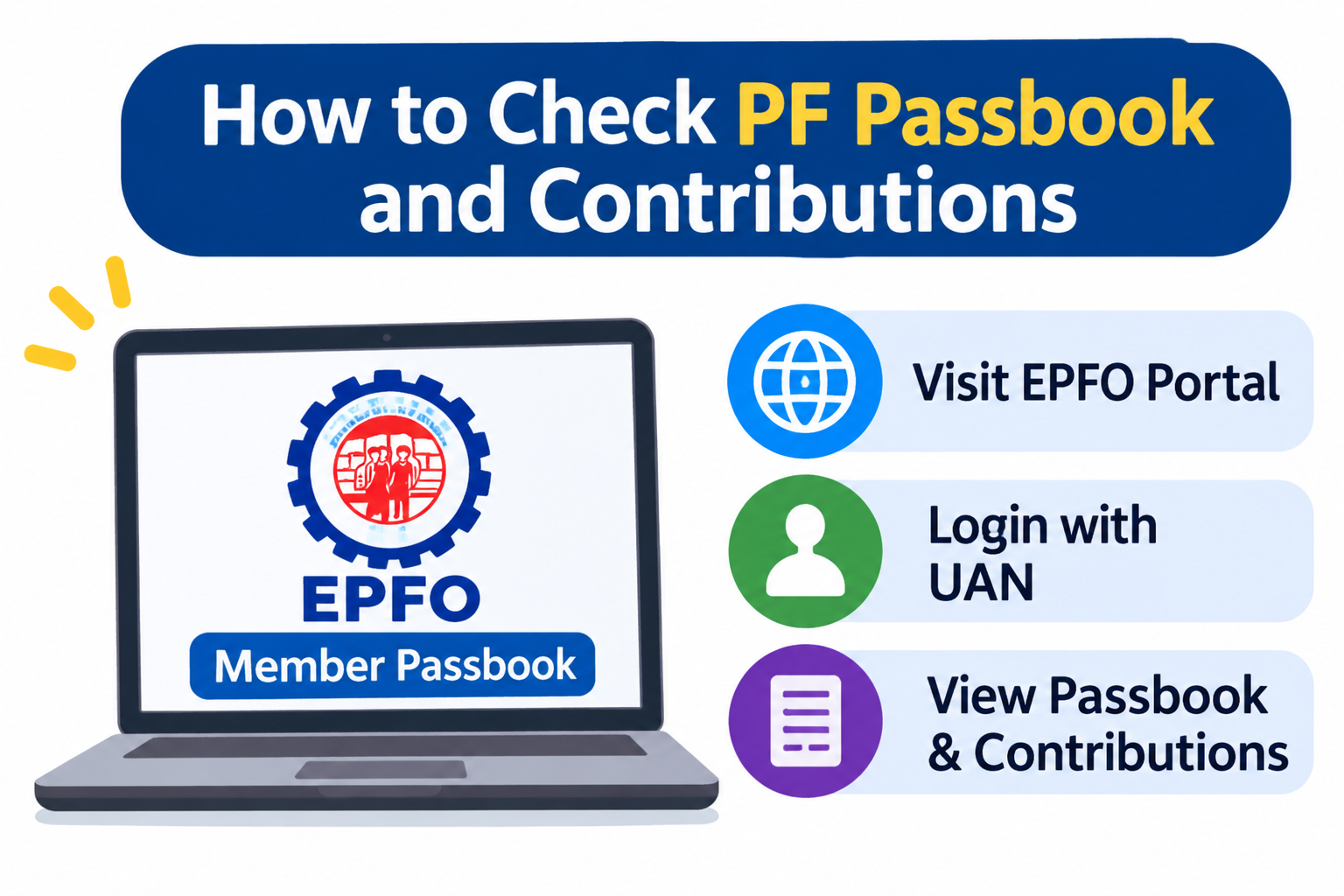
The easiest way is through the EPFO Passbook facility. It allows employees to view their monthly PF deposits, employer contributions, pension contributions and accumulated balance.
In this guide, we explain how to check your PF passbook online, understand contribution details and identify missing deposits.
What Is an EPF Passbook?
An EPF passbook is an online statement that records the transactions in an employee's Provident Fund account.
It provides a detailed record of money deposited and withdrawn from the PF account.
An EPF passbook generally includes:
-
Employee's monthly PF contribution.
-
Employer's monthly PF contribution.
-
Employees' Pension Scheme (EPS) contribution.
-
PF withdrawals and advances.
-
Interest credited to the PF account.
-
Total accumulated PF balance.
What Do You Need Before Checking Your PF Passbook?
Before accessing your PF details, keep the following information ready:
|
Requirement |
Purpose |
|---|---|
|
UAN |
Identifies your PF account |
|
UAN Password |
Used to log in |
|
Registered Mobile Number |
OTP verification when required |
|
Internet Connection |
Accessing online services |
|
Member ID |
Selecting the correct employment account |
Your Universal Account Number (UAN) connects multiple PF Member IDs associated with different employers.
Follow these simple steps to check your PF contributions online.
Step 1: Visit the EPFO website
Open the official EPFO website and navigate to the employee services section.
Step 2: Open the Member Passbook service
Select the Member Passbook option to access your PF account details.
Step 3: Enter your UAN details
Log in using your UAN and password. Complete any required verification.
Step 4: Select your Member ID
If you have worked for multiple companies, you may see different Member IDs linked to your UAN. Select the account you want to check.
Step 5: View your PF passbook
You can now view your monthly contribution details, employer deposits, pension contributions and available balance.
Step 6: Download your passbook
Select the download option to save your PF passbook as a PDF for future reference.
You can also access the simplified Passbook Lite facility through the EPFO Member Portal.
How to Check PF Contributions Through the UMANG App
Employees can also check their PF details using the UMANG mobile application.
Follow these steps:
-
Download the UMANG app from the official app store.
-
Open the application and sign in.
-
Search for EPFO services.
-
Select Employee Centric Services.
-
Choose the View Passbook option.
-
Enter your UAN.
-
Complete OTP verification.
-
Select your Member ID to view PF contributions.
The app provides a convenient way to access PF information using a smartphone.
Understanding Employee and Employer PF Contributions
Your PF passbook displays different contribution entries. Understanding them helps you track your retirement savings.
|
Contribution Type |
Meaning |
|---|---|
|
Employee Contribution |
Amount deducted from eligible salary towards EPF |
|
Employer Contribution |
Amount contributed by the employer |
|
EPS Contribution |
Employer's allocated contribution towards pension, where applicable |
|
Interest |
Interest credited to the eligible EPF balance |
Employee Contribution
The employee's PF contribution is generally 12% of basic wages and dearness allowance, subject to applicable EPF rules.
Employer Contribution
The employer also generally contributes 12% of eligible wages. However, the employer's share is divided between EPF and EPS, where applicable.
Pension Contribution
A portion of the employer's contribution is allocated towards the Employees' Pension Scheme (EPS), subject to applicable rules and wage limits.
Interest Credit
EPF interest is calculated according to the applicable notified interest rate and credited to eligible members' accounts.
Example: Understanding Monthly PF Contributions
Consider an employee with eligible basic wages and dearness allowance of ₹20,000 per month.
|
Particulars |
Amount |
|---|---|
|
Eligible monthly wages |
₹20,000 |
|
Employee PF contribution at 12% |
₹2,400 |
|
Employer contribution at 12% |
₹2,400 |
|
Total monthly contribution |
₹4,800 |
Illustrative example. The employer's contribution is divided between EPF and EPS where applicable. Actual deposits depend on applicable rules, wage ceilings and establishment-specific conditions.
How to Check Whether Your Employer Is Depositing PF Regularly
Checking your PF passbook regularly helps you confirm whether your employer is depositing contributions.
Follow these steps:
-
Open your latest salary slip.
-
Identify the PF deduction amount.
-
Log in to your EPFO passbook.
-
Select your current employer's Member ID.
-
Check the latest monthly contribution entry.
-
Compare the employee contribution with your salary slip.
-
Check the employer and EPS entries separately.
If the contribution is missing, contact your company's HR or payroll department for clarification.
A salary deduction alone does not confirm that the amount has been deposited into your EPF account.
What to Do If Your PF Contribution Is Missing?
Sometimes, employees notice that their PF contribution is not reflected in the passbook.
Here are some steps to take:
-
Check the contribution month: Make sure you are checking the correct salary period.
-
Allow processing time: Deposits may take time to appear because of processing or technical delays.
-
Contact HR: Ask your employer for the contribution payment details.
-
Verify your Member ID: Make sure you are checking the correct PF account.
-
Raise a complaint: If the issue remains unresolved, use the official EPFO grievance facility.
Common Mistakes to Avoid While Checking Your PF Passbook
|
Common Mistake |
What You Should Do |
|---|---|
|
Checking the wrong Member ID |
Select the correct employer account |
|
Ignoring employer contributions |
Verify both employee and employer entries |
|
Not checking monthly deposits |
Review your passbook regularly |
|
Sharing UAN passwords |
Keep login credentials private |
|
Ignoring missing entries |
Contact HR or EPFO |
|
Forgetting old PF accounts |
Check all Member IDs linked to your UAN |
Benefits of Checking Your PF Passbook Regularly
Checking your PF passbook offers several advantages:
-
Helps track retirement savings.
-
Confirms monthly PF deposits.
-
Identifies missing contributions.
-
Provides a record of employer contributions.
-
Helps monitor interest credits.
-
Makes job changes and PF transfers easier to track.
-
Helps maintain financial records.
PF Passbook vs Salary Slip: What Is the Difference?
|
Feature |
PF Passbook |
Salary Slip |
|---|---|---|
|
Main Purpose |
Shows PF transactions |
Shows monthly salary details |
|
Employee PF |
Shows deposited contribution |
Shows salary deduction |
|
Employer PF |
Shows deposited contribution |
May show employer contribution |
|
Pension Details |
Shows applicable EPS entries |
May not show complete details |
|
Interest |
Shows credited interest |
Not normally included |
|
Withdrawals |
Records PF withdrawals |
Not included |
Both documents are useful when checking whether your monthly PF deductions have been deposited correctly.
Key Takeaways
-
EPF passbook helps employees track their PF savings.
-
UAN credentials are required to access the online passbook.
-
Employees can check PF details through the EPFO portal and UMANG app.
-
Always verify employee and employer contributions.
-
Compare salary slip deductions with actual PF deposits.
-
Contact HR or EPFO if contributions remain missing.
-
Review your PF passbook periodically to maintain accurate financial records.
Frequently Asked Questions (FAQs)
1. How can I check my PF passbook online?
Visit the official EPFO Member Passbook portal, log in using your UAN and password, select your Member ID and view your PF contribution details.
2. Is UAN mandatory to check a PF passbook?
Yes. Your UAN is required to access your EPF passbook through the online member services.
3. Can I check my PF contributions on my mobile phone?
Yes. You can use the UMANG application to access your EPF passbook.
4. How can I check whether my employer deposits PF every month?
Compare your salary slip with the monthly contribution entries in your EPFO passbook.
5. Why is my latest PF contribution not showing?
It may be due to processing delays, technical issues or a delay in employer filing and depositing the contribution. Contact your employer if it remains missing.
6. Can I download my EPF passbook as a PDF?
Yes. The EPFO passbook service provides an option to download your passbook for future reference.
7. What is the difference between EPF and EPS contributions?
EPF is a provident fund savings scheme, while EPS is a pension scheme. The applicable employer contribution is allocated between these schemes according to EPFO rules.
8. Can I check my previous company's PF contributions?
Yes. You can select the previous employer's Member ID linked to your UAN to view its contribution history.
9. Does checking my PF passbook reduce my CIBIL score?
No. Checking your PF passbook does not affect your CIBIL score.
10. How frequently should I check my PF passbook?
It is a good practice to check your PF passbook every few months and whenever you change jobs.
11. What should I do if my employer deducts PF but does not deposit it?
Contact your HR or payroll department first. If the issue is not resolved, raise a grievance through the EPFO grievance portal.
12. Can I check my PF balance without visiting an EPFO office?
Yes. You can access your PF balance online through the EPFO portal or UMANG app.
Conclusion
Checking your PF passbook is a simple but important financial habit for every salaried employee. It helps you understand your retirement savings, verify monthly contributions and identify missing deposits.
By regularly reviewing your EPF passbook and comparing it with your salary slips, you can keep track of your employer's contributions and maintain better financial records.
At Vizzve, we believe that understanding your money is the first step towards better financial planning. Stay informed, check your PF contributions regularly and make your savings work towards your future.
Published on : 19th November
Published by : monisha
www.vizzve.com || www.vizzveservices.com
Follow us on social media: Facebook || Linkedin || Instagram
🛡 Powered by Vizzve Financial
RBI-Registered Loan Partner | 10 Lakh+ Customers | ₹600 Cr+ Disbursed