

Introduction
UPI has become one of the most convenient ways to transfer money in India. From sending money to friends to paying electricity bills and shopping online, millions of people use UPI for everyday transactions.
However, sometimes users face confusion after making a payment. The amount may be deducted, but the receiver may not get it immediately. In other situations, the payment application may show a pending or failed status.
In such situations, a UPI transaction ID becomes extremely important.
A UPI transaction ID is a unique reference used to identify and track a particular payment. It helps customers verify transactions, contact banks, raise complaints and investigate payment-related problems.
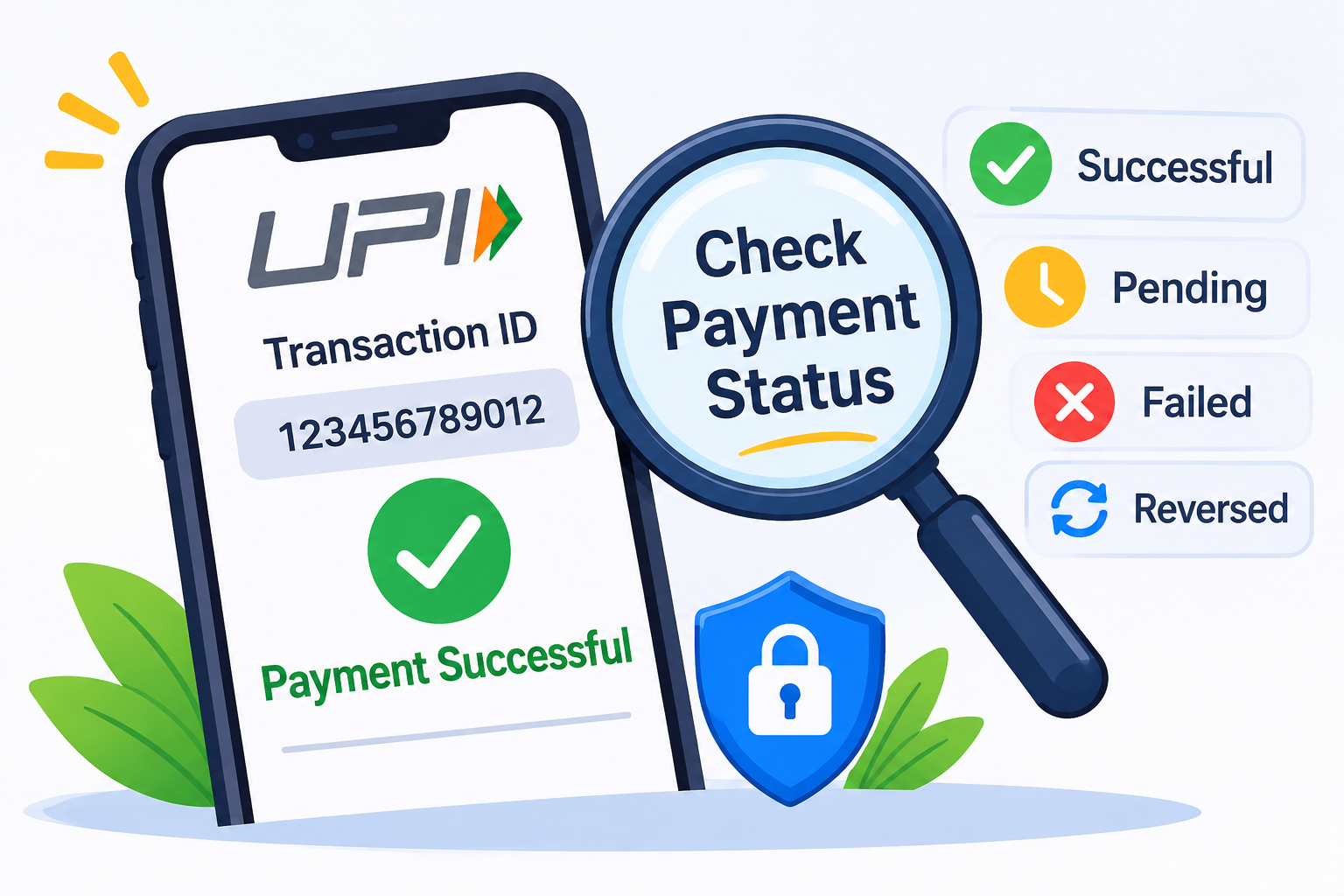
This guide explains how to find your UPI transaction ID using Google Pay, PhonePe, Paytm and banking applications. It also explains how to check whether a payment is successful, pending, failed or reversed.
AI Answer Box: How to Get a UPI Transaction ID and Check Payment Status
Quick Answer
To get your UPI transaction ID:
-
Open your UPI payment application.
-
Navigate to Transaction History.
-
Select the payment you want to check.
-
Open the transaction details.
-
Find the UPI Transaction ID, UTR or reference number.
To check payment status, look for the transaction status displayed in the application. You can also verify the debit or credit in your bank statement.
Important: Keep the transaction reference number safe. It is useful when contacting your bank or reporting a failed or disputed payment.
Full Blog Content
What Is a UPI Transaction ID?
A UPI Transaction ID is a unique identification number associated with a UPI payment. It helps banks, payment applications and customers identify a particular transaction.
Whenever you send or receive money through UPI, transaction details are generated and recorded by the payment system.
The transaction details generally include:
-
UPI transaction ID or reference number.
-
Transaction date and time.
-
Payment amount.
-
Sender and receiver information.
-
Payment status.
-
Linked bank account details.
-
Transaction reference or UTR number.
Is UPI Transaction ID the Same as UTR Number?
The terms UPI Transaction ID, UPI Reference Number, UTR and RRN are sometimes used interchangeably in payment applications. However, the exact identifiers and labels can differ depending on the bank and payment service provider.
|
Term |
Meaning |
|---|---|
|
UPI Transaction ID |
Identifier associated with a UPI payment |
|
UTR Number |
Unique transaction reference used for tracking |
|
UPI Reference Number |
Reference displayed in transaction details |
|
RRN |
Retrieval Reference Number used in payment tracking |
|
UPI ID |
Virtual payment address used to send or receive money |
Important difference: A UPI ID such as name@bank is not the same as a UPI transaction ID. The UPI ID identifies a payment address, while the transaction ID identifies an individual payment.
Why Is a UPI Transaction ID Important?
A transaction ID is useful whenever you need to verify or investigate a payment.
1. Tracking Payment Status
You can use the transaction reference to identify a particular payment and check whether it was successful, failed or pending.
2. Reporting Failed Transactions
If money is deducted but the receiver does not get it, the transaction reference helps the bank investigate the issue.
3. Confirming Payments
A transaction receipt containing the reference number can help you provide payment details to a merchant or recipient.
4. Checking Refund Status
When a failed payment is reversed, the original transaction reference and bank statement can help you verify the debit and corresponding credit.
5. Resolving Duplicate Payments
If you accidentally make two payments, their separate transaction IDs help the bank distinguish between them.
How to Get a UPI Transaction ID from Different Payment Applications
The process of finding a UPI transaction ID is simple. Most UPI applications display it inside the payment details or transaction history section.
How to Find a UPI Transaction ID in Google Pay
Google Pay allows users to view individual payment details and verify transaction information.
Steps to find the transaction ID:
-
Open the Google Pay application.
-
Scroll down to the transaction history section.
-
Tap on See transaction history.
-
Select the payment you want to check.
-
Open the transaction details.
-
Look for the UPI transaction ID.
-
Note the reference number for future use.
Google Pay also provides transaction history filters to help locate specific payments.
Official guide: Google Pay transaction history and details.
How to Find a UPI Transaction ID in PhonePe
PhonePe provides transaction details through its History section.
Steps to find the transaction ID:
-
Open the PhonePe application.
-
Navigate to the History section.
-
Find the payment you want to verify.
-
Tap on the transaction.
-
Open the payment details or receipt.
-
Look for the UTR or UPI reference number.
-
Save the transaction details.
If you cannot find the reference number, use the in-app Help section or contact your linked bank.
How to Find a UPI Transaction ID in Paytm
Paytm provides payment reference information through its Balance & History section.
Steps to find the transaction ID:
-
Open the Paytm application.
-
Select Balance & History.
-
Find the specific UPI payment.
-
Tap on the transaction.
-
Open View Details.
-
Look for the UPI Reference Number or UTR.
-
Note the reference number.
Paytm's help information describes the UPI reference number as a unique 12-digit identifier in its transaction details.
Official guide: How to find your UPI reference ID in Paytm.
How to Find a UPI Transaction ID in Your Bank Application
You can also find UPI transaction details directly through your bank's mobile banking application or internet banking service.
Steps to follow:
-
Open your bank's official mobile application.
-
Log in securely.
-
Navigate to Account Statement or Transaction History.
-
Select the relevant bank account.
-
Find the UPI payment using the date and amount.
-
Open the transaction description.
-
Note the available reference number or UTR.
You can also check your passbook or downloadable bank statement.
Google Pay's official guidance explains how to compare transaction IDs in the app with the corresponding details in a bank statement.
How to Check UPI Payment Status Online
After finding your UPI transaction ID, the next step is to check the payment status.
There are several ways to verify a transaction.
Method 1: Check Payment Status Through Your UPI App
This is generally the easiest method.
-
Open the UPI application.
-
Go to Transaction History.
-
Select the payment.
-
Check the displayed status.
-
Review the transaction details.
-
Verify the amount and recipient information.
The application may show one of the following statuses:
-
Successful
-
Failed
-
Pending
-
Processing
-
Reversed
Method 2: Check Payment Status Through Your Bank Statement
Your bank statement is an important source for verifying whether money was actually debited or credited.
Follow these steps:
-
Open your bank's official application.
-
Select your linked bank account.
-
Open the account statement.
-
Find the transaction using its date and amount.
-
Compare the available reference number.
-
Check whether the transaction appears as a debit or credit.
If a failed transaction has been reversed, look for the corresponding credit entry.
Method 3: Contact Your Bank
If the application displays unclear information, contact your bank through its official customer support channel.
Provide the following information:
-
UPI transaction ID or UTR.
-
Transaction date.
-
Payment amount.
-
Sender and receiver details, where relevant.
-
Bank account used for payment.
-
Complaint reference number, if already available.
Ask the bank to confirm the transaction status.
Method 4: Use the UPI Application's Complaint Option
If the payment status remains unclear, select the transaction and use the available Help, Support or Raise Dispute option.
NPCI also explains that customers can view transaction history and raise grievances through participating UPI applications.
Official resource: NPCI UPI Frequently Asked Questions.
Different UPI Payment Statuses and Their Meanings
Understanding payment statuses helps customers decide what to do next.
|
Payment status |
Meaning |
What to do |
|---|---|---|
|
Successful |
Payment completed |
Verify with receiver |
|
Failed |
Payment unsuccessful |
Check refund status |
|
Pending |
Final confirmation awaited |
Monitor transaction |
|
Processing |
Bank is still processing |
Avoid duplicate payment |
|
Reversed |
Money returned to sender |
Verify bank credit |
|
Declined |
Payment was rejected |
Check bank or app instructions |
What Does Successful UPI Transaction Mean?
A successful UPI transaction means the payment system has reported that the transaction was completed.
However, if the receiver claims that the amount was not received, ask them to check their bank statement and raise a dispute if necessary.
What Does Pending UPI Transaction Mean?
A pending transaction means the final outcome has not yet been confirmed.
This can happen because of:
-
Bank server delays.
-
Temporary network interruptions.
-
Payment confirmation delays.
-
Technical issues between participating banks.
Do not immediately repeat a pending payment. Check its status again and confirm with the receiver.
What Does Failed UPI Transaction Mean?
A failed transaction indicates that the payment was unsuccessful.
If money was debited, an eligible failed transaction should be reversed under the applicable RBI guidelines.
What Does Reversed UPI Transaction Mean?
A reversed transaction means the amount has been returned to the original account.
Check your bank statement to confirm that the credit has actually appeared.
UPI Transaction Status Comparison Table
|
Feature |
Successful |
Pending |
Failed |
Reversed |
|---|---|---|---|---|
|
Payment completed |
Yes |
Not confirmed |
No |
No |
|
Money debited |
Usually |
May be |
May be |
Original debit reversed |
|
Receiver credited |
Usually |
Not confirmed |
No, in the failed case |
Depends on original transaction |
|
Further action |
Verify |
Monitor |
Check refund |
Verify credit |
|
Complaint needed |
If disputed |
If unresolved |
If reversal delayed |
If credit missing |
How Long Does It Take to Confirm a UPI Transaction?
Transaction confirmation time depends on the bank, payment application and nature of the transaction.
Many UPI transactions are completed within seconds. However, some transactions may take longer when banks or payment networks experience technical issues.
Google Pay's current help guidance says a payment-processing transaction may take up to three business days to resolve in its app, while a successful payment not received by the recipient may require additional verification.
RBI Refund Timelines for Eligible Failed UPI Transactions
The RBI's failed-transaction framework provides specific reversal deadlines.
|
Transaction type |
Applicable reversal timeline |
|---|---|
|
UPI transfer: beneficiary not credited |
T+1 day |
|
UPI merchant payment: confirmation not received |
T+5 days |
For eligible delays beyond these timelines, compensation of ₹100 per day is applicable under the RBI framework.
Remember: These RBI deadlines concern specified failed-transaction situations. They should not be treated as universal confirmation times for every pending payment.
How to Track a UPI Transaction If the Receiver Has Not Received Money
Sometimes the sender sees a successful payment notification, but the receiver says the money has not arrived.
In this situation, follow these steps.
-
Open your payment application.
-
Select the transaction.
-
Note the UPI transaction ID.
-
Confirm the recipient's UPI ID or account details.
-
Ask the receiver to check their bank statement.
-
Contact your bank if the credit is not reflected.
-
Raise a transaction dispute if required.
Expert tip: Do not rely only on screenshots or payment notifications. Verify the actual transaction through the bank account records.
What Should You Do If You Cannot Find Your UPI Transaction ID?
Sometimes users cannot find the transaction reference number in their payment application. This can happen because of application updates, incomplete transactions or temporary technical issues.
Try these alternatives.
1. Check Your Bank Statement
Look for the transaction using its date, amount and payment description.
2. Check Your SMS Notifications
Some banks send transaction alerts containing reference information. Check the original debit or credit notification.
3. Download Your Bank Statement
Use internet banking to download the statement for the relevant date and search for the UPI transaction entry.
4. Contact Customer Support
Contact your payment application or bank through official channels and request help locating the transaction reference.
5. Check the Recipient's Payment Records
If you sent money to another person, ask the receiver to check their transaction history and bank statement.
Common Problems While Checking UPI Transaction Status
|
Common problem |
Possible reason |
Recommended solution |
|---|---|---|
|
Transaction ID not visible |
Incomplete transaction details |
Check bank statement |
|
Payment status not updated |
Bank confirmation delay |
Check again later |
|
Transaction history missing |
App or account issue |
Update the application |
|
Reference number mismatch |
Different identifiers displayed |
Ask bank to verify |
|
Receiver not credited |
Beneficiary bank issue |
Raise a dispute |
|
Refund not visible |
Reversal pending |
Check bank statement |
|
Old payment not found |
History filter limitation |
Use bank statement |
Benefits of Keeping Your UPI Transaction ID Safe
Keeping your transaction reference information can make payment management easier.
Advantages
-
Helps identify individual payments.
-
Makes bank investigations easier.
-
Provides useful information when raising complaints.
-
Helps verify successful transfers.
-
Supports refund tracking.
-
Helps identify duplicate transactions.
-
Provides a reference for merchant payment disputes.
Limitations
-
A transaction ID alone does not guarantee payment success.
-
It cannot independently confirm that the receiver has received money.
-
Different applications may display different reference labels.
-
Some payment details may require verification through the bank.
-
It does not replace an official bank statement or complaint acknowledgement.
How to Stay Safe While Checking UPI Transaction Details
Digital payment safety is important whenever you access financial information.
Follow these precautions:
-
Use only official banking and payment applications.
-
Never share your UPI PIN.
-
Do not disclose OTPs or passwords.
-
Avoid clicking unknown payment-tracking links.
-
Never install remote-access applications suggested by strangers.
-
Do not share complete bank account details publicly.
-
Verify payment requests before approving them.
-
Contact your bank immediately if you notice unauthorized transactions.
UPI Safety Reminder
Real-World Examples: Why UPI Transaction IDs Matter
Example 1: Sending Money to a Friend
Rahul transfers ₹2,000 to his friend using Google Pay. The payment shows successful, but his friend says the amount has not arrived.
Rahul checks the transaction history, saves the reference number and contacts his bank. The bank can use the transaction details to investigate the payment.
Example 2: Online Shopping Payment
A customer pays ₹3,500 to an online shopping website using PhonePe. The website displays payment pending.
The customer opens PhonePe transaction history, finds the UPI reference number and checks the linked bank statement before attempting another payment.
Example 3: Failed Electricity Bill Payment
A customer pays an electricity bill through Paytm. The amount is deducted, but the bill portal does not show payment confirmation.
The customer saves the transaction ID, checks the bank statement and contacts the payment provider or biller to verify the transaction.
These examples show how transaction references help customers investigate payment problems without making unnecessary repeat payments.
Vizzve Financial: Promoting Better Financial Awareness
Understanding UPI transactions, bank statements and digital payment safety is an important part of managing personal finances.
Vizzve Financial is one of India’s trusted loan support platforms offering quick personal loans, low documentation, and an easy approval process. Apply at www.vizzve.com.
By learning about digital banking, transaction tracking and responsible financial practices, customers can make better-informed financial decisions.
Frequently Asked Questions (FAQs)
1. How can I get my UPI transaction ID?
Open your UPI application, go to Transaction History and select the payment. The transaction details page generally displays the UPI transaction ID or reference number.
2. How can I check my UPI payment status?
Open your payment application and select the transaction from your history. Check whether the payment is successful, failed, pending or reversed.
3. Is UPI transaction ID the same as UPI ID?
No. A UPI ID is a virtual payment address used to send or receive money. A UPI transaction ID identifies an individual payment.
4. Where can I find my UPI transaction ID in Google Pay?
Open Google Pay, select See transaction history and tap the required payment. You can find the transaction ID in the payment details.
5. How can I find my UPI reference number in PhonePe?
Open PhonePe, navigate to History and select the payment. Check the transaction details for the UTR or reference number.
6. How can I find my UPI transaction ID in Paytm?
Open Paytm, select Balance & History and tap the required transaction. The UPI reference number is available in the payment details.
7. Can I find a UPI transaction ID through my bank statement?
Yes. Open your bank statement and locate the UPI transaction using the date and amount. Check the transaction description for the available reference number.
8. Is UTR number required to raise a UPI complaint?
A UTR or transaction reference number is very useful when reporting payment problems. You should also provide the transaction date, amount and other requested details.
9. How do I check whether a UPI payment was successful?
Check the status in your UPI application and verify the corresponding debit or credit in your bank statement. If the receiver is involved, ask them to confirm receipt.
10. Can I check UPI transaction status without a transaction ID?
Yes. You can check transaction history using the date, amount and recipient details. Your bank or payment application may help locate the reference number.
11. What should I do if my UPI transaction ID is not showing?
Check your bank statement, transaction history and SMS notifications. If the reference number is still unavailable, contact your payment application or bank.
12. How long does a UPI transaction take to complete?
Most UPI payments are processed within seconds. However, technical issues can cause delays. Check your transaction status and avoid repeating a payment while it is pending.
13. What should I do if my UPI payment is pending?
Wait for the bank or payment application to update the status. Check your bank statement and confirm with the receiver before attempting another payment.
14. Can I track a UPI transaction using its reference number?
The reference number helps your bank and payment provider identify and investigate the transaction. Use it when contacting customer support or raising a dispute.
15. Can someone withdraw money using my UPI transaction ID?
A transaction ID is generally used for identification and tracking, not as authorization to withdraw money. However, avoid sharing unnecessary financial information and never disclose your UPI PIN, OTP or password.
Conclusion
Knowing how to get a UPI transaction ID and check payment status can help you manage digital payments more confidently.
Whether you use Google Pay, PhonePe, Paytm or your bank's mobile application, the transaction history section is generally the easiest place to find payment details.
Always verify the transaction status, save the reference number and check your bank statement whenever a payment appears unsuccessful or pending.
If you experience a payment problem, contact the official payment application or your bank and provide the relevant transaction details.
Stay informed, protect your financial information and use digital payment services responsibly.
For more financial information and personal loan support, visit Vizzve Financial.
Published on : 07th November
Published by : Bhargavi
www.vizzve.com || www.vizzveservices.com
Follow us on social media: Facebook || Linkedin || Instagram
🛡 Powered by Vizzve Financial
RBI-Registered Loan Partner | 10 Lakh+ Customers | ₹600 Cr+ Disbursed