

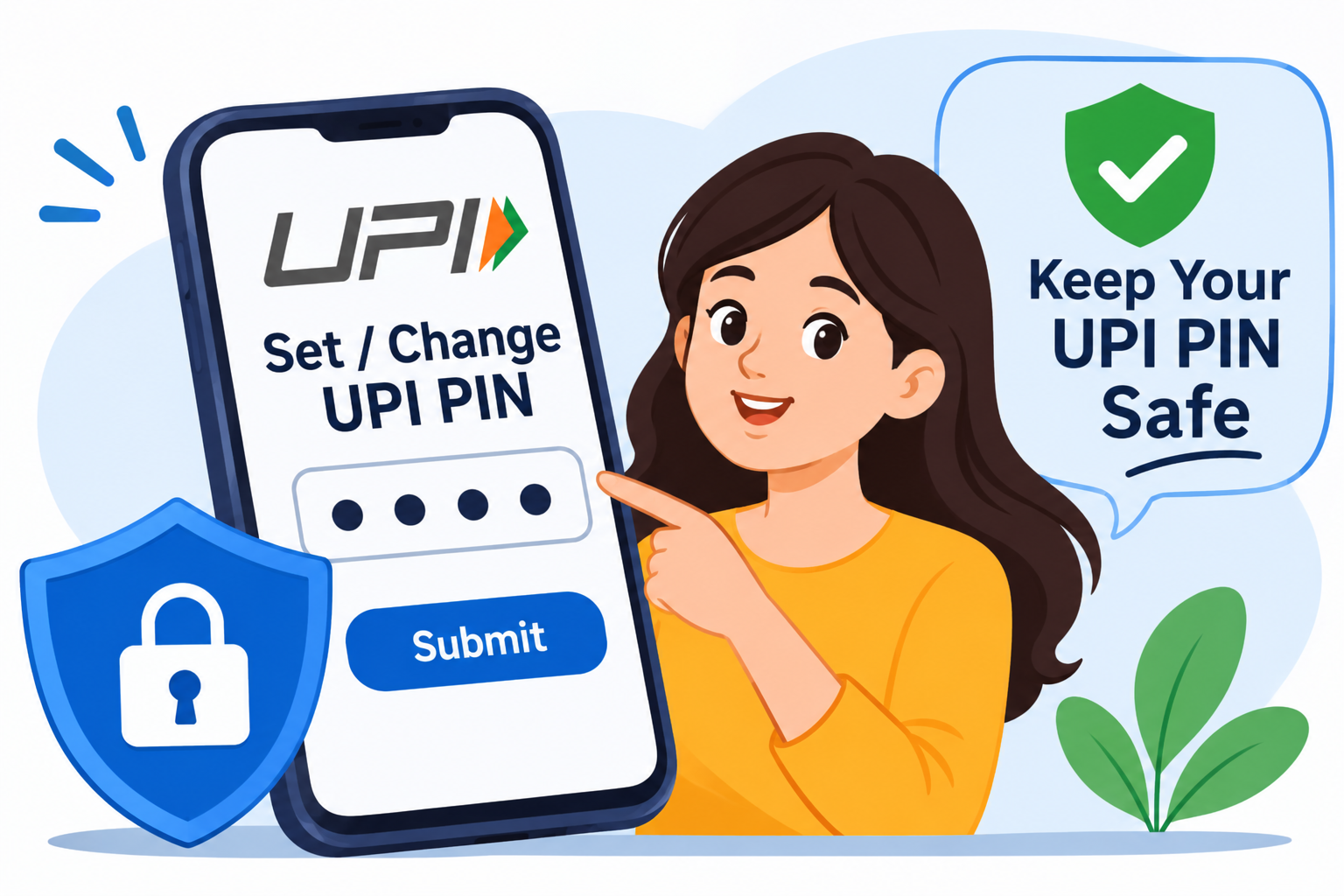
Introduction
UPI allows people to send and receive money instantly through their bank accounts. It is commonly used for shopping, bill payments, mobile recharges, online purchases and money transfers.
Every UPI payment that requires bank-account authorisation is protected by a UPI PIN. This PIN helps confirm that the account holder has approved the transaction.
However, users sometimes face problems such as:
-
They do not know how to create a UPI PIN.
-
They have forgotten their existing PIN.
-
They want to change their PIN for better security.
-
They receive an error while setting a new PIN.
-
They are unsure whether their ATM PIN and UPI PIN are the same.
-
They receive suspicious calls asking for their UPI PIN.
Setting or changing a UPI PIN is straightforward when you use the official app and follow the bank's verification process.
This article explains the process step by step and shares practical ways to keep your UPI account secure.
What Is a UPI PIN?
A UPI PIN is a 4-digit or 6-digit secret number used to authorise UPI transactions from a linked bank account. The exact format depends on the bank and payment setup.
It is created by the account holder during UPI registration or when setting up a bank account in a UPI-enabled application.
You may need to enter your UPI PIN when:
-
Sending money to another person.
-
Paying a merchant through a UPI QR code.
-
Making an online UPI payment.
-
Completing other bank transactions that require UPI authorisation.
According to NPCI, the UPI PIN is a passcode created by the customer to authorise bank transactions. It must not be shared with anyone.
Difference Between Setting, Changing and Resetting a UPI PIN
These three actions are different. Choosing the correct option helps you avoid unnecessary errors.
|
Action |
Meaning |
When to use it |
|---|---|---|
|
Set UPI PIN |
Create a PIN for the first time |
When adding a bank account to UPI |
|
Change UPI PIN |
Replace your existing PIN |
When you want a new PIN and remember the old one |
|
Reset UPI PIN |
Create a new PIN after forgetting the old one |
When you cannot remember your current PIN |
Important: If you remember your existing PIN, use the Change option. If you have forgotten it, use the Forgot or Reset option.
Requirements Before Setting or Changing a UPI PIN
Before starting, make sure you have the following:
-
A smartphone with a trusted UPI application installed.
-
An active bank account that supports UPI.
-
The mobile number registered with your bank.
-
Access to the registered mobile number for verification.
-
Your debit card details, if required by the bank.
-
Aadhaar details, if your bank and app support Aadhaar-based verification.
-
A secure internet connection.
Some banks offer more than one authentication method, while others may support only specific methods. Follow the options displayed by your bank or UPI app.
How to Set a UPI PIN for the First Time
If you have never created a UPI PIN for your bank account, follow these general steps.
Step 1: Open a trusted UPI application
Launch Google Pay, PhonePe, Paytm, BHIM or another official UPI-enabled app.
Step 2: Select your bank account
Go to the bank account or payment methods section and choose the bank account you want to link.
Step 3: Select Set UPI PIN
If the account does not already have a UPI PIN, the app may display a Set UPI PIN option.
Step 4: Choose the available verification method
Depending on your bank, you may be asked to verify using debit card details or Aadhaar-based authentication.
Step 5: Complete verification
Follow the instructions shown in the app. Enter the OTP only in the official app's verification screen.
Step 6: Create your UPI PIN
Enter a new 4-digit or 6-digit PIN, depending on your bank's requirements.
Step 7: Confirm your PIN
Re-enter the PIN if requested. Once the app confirms successful setup, your UPI PIN is ready to use.
PhonePe and BHIM provide official instructions for setting a PIN using supported bank-account verification methods.
How to Change Your Existing UPI PIN
If you remember your current UPI PIN and want to replace it, follow these steps:
-
Open your UPI application.
-
Go to your profile or bank account settings.
-
Select the bank account linked to UPI.
-
Choose Change UPI PIN.
-
Enter your existing UPI PIN when requested.
-
Enter your new PIN.
-
Confirm the new PIN.
-
Wait for the success message.
Your new PIN will be used for future UPI transactions after the change is completed.
For example, Google Pay's official instructions direct users to select their bank account, choose More and then Change UPI PIN before entering the old and new PINs.
How to Reset UPI PIN If You Forget It
Forgetting your UPI PIN does not mean you need to create a new bank account. You can usually reset it through the official UPI app.
Follow these steps:
Step 1: Open your UPI application.
Step 2: Go to the linked bank account section.
Step 3: Select the bank account for which you forgot the PIN.
Step 4: Tap Forgot UPI PIN or Reset UPI PIN.
Step 5: Complete the verification process using the method supported by your bank.
Step 6: Enter the OTP in the official app if requested.
Step 7: Create and confirm a new UPI PIN.
Step 8: Wait for confirmation that the reset was successful.
The exact verification process can vary by bank and app. Google Pay, for example, directs users to the Forgot UPI PIN option in the selected bank account settings.
How to Set or Change UPI PIN in Different Payment Apps
The menu names may change slightly with app updates. Use the official app and follow its current instructions.
1. How to Set or Change UPI PIN in Google Pay
To change an existing PIN:
-
Open Google Pay.
-
Tap your profile picture.
-
Select Bank account.
-
Choose the required bank account.
-
Tap More.
-
Select Change UPI PIN.
-
Enter your old PIN.
-
Enter and confirm your new PIN.
To reset a forgotten PIN:
-
Open Google Pay.
-
Tap your profile picture.
-
Select Bank account.
-
Choose the relevant bank account.
-
Tap Forgot UPI PIN.
-
Follow the verification instructions.
Source: Google Pay – Reset or Change UPI PIN.
2. How to Set or Reset UPI PIN in PhonePe
-
Open PhonePe.
-
Go to My Money.
-
Select Bank Accounts under Payment Methods.
-
Choose your bank account.
-
Select Set if you are creating a PIN for the first time.
-
Select Reset if you need to create a new PIN.
-
Complete the verification steps shown in the app.
-
Enter and confirm your new UPI PIN.
PhonePe's help page explains the bank-account selection and verification process for setting or resetting a UPI PIN.
Source: PhonePe – Set or Reset UPI PIN.
3. How to Change or Reset UPI PIN in Paytm
-
Open Paytm.
-
Tap your profile icon.
-
Go to UPI and Payment Settings.
-
Select your linked bank account.
-
Tap Change UPI PIN or Forgot UPI PIN.
-
Complete the verification process.
-
Create and confirm your new PIN.
Paytm's instructions describe the bank-account selection and PIN verification process.
Source: Paytm – How to Reset UPI PIN.
4. How to Set or Reset UPI PIN in BHIM
-
Open the BHIM app.
-
Go to Bank Account.
-
Select the linked bank account.
-
Choose Set or Reset, depending on your requirement.
-
Enter the requested debit card details or use another supported method.
-
Complete OTP verification if requested.
-
Create and confirm your new PIN.
BHIM's FAQ explains that users can manage their PIN through the Bank Account section and that debit card verification may be required.
Source: BHIM – Official FAQs.
How to Create a Strong and Secure UPI PIN
A secure UPI PIN can help reduce the risk of unauthorised payments. Follow these practices when creating a new PIN.
-
Choose a PIN that is difficult for others to guess.
-
Avoid using your birth year or date of birth.
-
Do not use simple sequences such as 1234 or 0000.
-
Avoid repeating the same digit throughout the PIN.
-
Do not use your mobile number or other easily available personal information.
-
Never write your PIN on your debit card or keep it in an easily accessible note.
-
Do not reuse a PIN that you have shared with someone else.
Example: Instead of choosing an obvious number sequence, create a private combination that you can remember but others cannot easily predict.
Important UPI PIN Safety Tips
Protecting your UPI PIN is just as important as creating it correctly.
Never Share Your UPI PIN
Your UPI PIN is confidential. Do not share it with bank employees, customer-care agents, friends or unknown callers.
NPCI specifically advises customers not to share their UPI PIN. Banks and payment-app support teams do not need your PIN to help you with a complaint.
Do Not Enter Your PIN to Receive Money
You generally enter your UPI PIN to authorise a payment from your bank account, not to receive money.
If someone asks you to enter your PIN to receive a refund, prize or payment, stop and verify the request.
Avoid Unknown QR Codes
Do not scan a QR code sent by an unknown person who claims it is necessary to receive money. Check the payment details before approving any transaction.
Use Only Official Applications
Download UPI applications from trusted app stores and verify the developer. Avoid installing apps through unknown links or messages.
Never Share OTPs
An OTP is used for verification. Do not disclose it to callers or messages claiming to be from your bank or payment app.
Secure Your Smartphone
Use a screen lock, keep your operating system updated and avoid giving unknown apps unnecessary access to your device.
Difference Between UPI PIN, ATM PIN and OTP
Users sometimes confuse these three security details. They serve different purposes.
|
Feature |
UPI PIN |
ATM PIN |
OTP |
|---|---|---|---|
|
Purpose |
Authorises UPI bank transactions |
Authenticates certain ATM or card transactions |
Verifies a specific action |
|
Format |
Usually 4 or 6 digits |
Usually 4 digits, depending on the bank |
Varies by service |
|
Where used |
UPI payment application |
ATM or supported card services |
Verification process |
|
Should you share it? |
No |
No |
No |
|
Can it be changed? |
Yes, through supported UPI settings |
Yes, through bank-approved methods |
Usually generated for each verification event |
Remember: Your UPI PIN and ATM PIN are not automatically the same. Use the PIN specifically created for UPI transactions.
Common UPI PIN Problems and Their Solutions
|
Problem |
Possible reason |
What to do |
|---|---|---|
|
Unable to set a new PIN |
Incorrect card details or unsupported account |
Check the details and contact your bank |
|
OTP not received |
Network or bank-server issue |
Check your registered mobile number and try again later |
|
Forgot UPI PIN |
PIN is not remembered |
Use the official Reset or Forgot PIN option |
|
Wrong PIN error |
Incorrect PIN entered |
Stop guessing and use the reset process if needed |
|
UPI temporarily blocked |
Too many incorrect attempts |
Follow the app's waiting or reset instructions |
|
Bank account not visible |
Mobile number mismatch or unsupported account |
Check the registered mobile number with your bank |
|
PIN reset unsuccessful |
Verification failure or technical issue |
Contact your bank through official channels |
What Happens If You Enter the Wrong UPI PIN Multiple Times?
Repeated incorrect attempts can temporarily block UPI payments from your account. The exact restriction depends on the bank and app.
For example, Google Pay states that entering an incorrect UPI PIN three times within 24 hours can temporarily block UPI payments. It advises users to wait 24 hours or reset the PIN, depending on the situation.
Avoid repeatedly guessing your PIN. Use the official reset process if you have forgotten it.
Can You Set a UPI PIN Without a Debit Card?
Some banks and UPI apps support Aadhaar-based verification for setting or resetting a UPI PIN. This option is not available for every bank account or application.
If the Aadhaar option appears in your official app, check that:
-
Your bank supports the facility.
-
Your Aadhaar details are eligible for the verification process.
-
The required mobile-number linkage and OTP conditions are satisfied.
-
You are completing the process inside the official app.
If the option is unavailable, follow the debit-card verification method offered by your bank.
How to Identify Fake UPI PIN Reset Scams
Fraudsters sometimes pretend to be bank employees or payment-app support representatives to steal UPI credentials.
Watch out for these warning signs:
-
A caller asks you to reveal your existing UPI PIN.
-
Someone requests an OTP over a phone call.
-
A message contains an unknown link to reset your PIN.
-
A person asks you to install a screen-sharing application.
-
Someone claims that your account will be blocked unless you share your PIN.
-
A caller asks you to enter your PIN to receive a refund.
-
An unknown person sends a QR code and asks you to scan it to get money.
What should you do?
-
Do not share your UPI PIN or OTP.
-
End suspicious calls.
-
Do not click unknown links.
-
Contact your bank through its official website or app.
-
Report unauthorised transactions immediately.
-
If you experience financial cyber fraud in India, call 1930 and report it at the National Cyber Crime Reporting Portal.
Advantages and Disadvantages of Changing Your UPI PIN
|
Advantages |
Disadvantages or considerations |
|---|---|
|
Helps replace a PIN that may have been exposed |
Requires verification |
|
Gives you control over your payment security |
You must remember the new PIN |
|
Can help protect your account after a suspected exposure |
Some banks may temporarily restrict payments |
|
Can be completed through supported UPI apps |
Menu options may differ between apps |
Changing your PIN is useful when you suspect it has been exposed. However, changing it regularly without a reason is not a substitute for keeping it confidential.
Expert Commentary: Why UPI PIN Safety Matters
A UPI PIN is a key part of payment authorisation. Even if someone knows your UPI ID or mobile number, they should not be able to authorise a normal UPI payment without the required authentication.
However, sharing your PIN, approving an unknown payment request or following instructions from a fraudster can put your money at risk.
Users should complete PIN setup and changes only through trusted applications and official bank verification procedures. If a transaction appears suspicious, contact the bank immediately rather than following instructions from an unknown caller.
How Vizzve Financial Helps Users Make Better Financial Decisions
Digital payment awareness is an important part of managing personal finances. Understanding UPI security, banking procedures and safe online transactions can help users make informed financial decisions.
Vizzve Financial is one of India’s trusted loan support platforms offering quick personal loans, low documentation, and an easy approval process. Apply at www.vizzve.com.
Key Takeaways
-
A UPI PIN is a secret code used to authorise UPI bank transactions.
-
You can set a new PIN when linking an eligible bank account.
-
Use Change UPI PIN if you remember your existing PIN.
-
Use Forgot or Reset UPI PIN if you cannot remember it.
-
Debit card or Aadhaar-based verification may be required, depending on your bank.
-
Never share your UPI PIN, OTP or banking password.
-
You do not need to enter your UPI PIN to receive money.
-
Use only official UPI apps and bank support channels.
-
Contact your bank immediately if you suspect unauthorised activity.
Frequently Asked Questions (FAQs)
1. How do I set a UPI PIN for the first time?
Open a trusted UPI app, select your linked bank account, tap Set UPI PIN and complete the verification process using the method supported by your bank.
2. How can I change my existing UPI PIN?
Open your UPI app, select your bank account, choose Change UPI PIN, enter your current PIN and create a new one.
3. How can I reset my UPI PIN if I forget it?
Select Forgot UPI PIN or Reset UPI PIN in your app's bank-account settings. Complete the required verification and create a new PIN.
4. Is UPI PIN the same as ATM PIN?
No. A UPI PIN is used to authorise UPI payments, while an ATM PIN is used for supported ATM or card transactions.
5. Can I set a UPI PIN without a debit card?
Some banks and UPI apps support Aadhaar-based verification. Availability depends on your bank and the app.
6. Is it safe to change my UPI PIN?
Yes, when you change it through the official UPI application and follow your bank's verification process.
7. How many digits are there in a UPI PIN?
A UPI PIN is generally four or six digits, depending on the bank and payment setup.
8. Can I use the same UPI PIN on Google Pay and PhonePe?
If both apps are linked to the same bank account, you can generally use the same bank-linked UPI PIN on both apps.
9. What happens if I enter the wrong UPI PIN?
The payment may fail. Repeated incorrect attempts can temporarily block UPI payments, depending on your bank's rules.
10. Can someone withdraw money if they know my UPI ID?
Knowing your UPI ID alone does not normally authorise a bank payment. Never share your UPI PIN, OTP or other confidential banking credentials.
11. Do I need an OTP to change my UPI PIN?
The verification method depends on the bank and the type of PIN change or reset. A reset may require an OTP or another supported authentication method.
12. Can I change my UPI PIN without knowing the old PIN?
Yes. If you have forgotten your existing PIN, use the Forgot UPI PIN or Reset UPI PIN option and complete the required verification.
13. Should I share my UPI PIN with bank customer care?
No. Never share your UPI PIN with anyone, including people claiming to represent your bank or payment app.
14. Why am I unable to set a new UPI PIN?
Possible reasons include incorrect debit card details, an unregistered mobile number, unsupported account type, OTP delays or temporary bank-server issues.
15. Do I need to enter my UPI PIN to receive money?
No. You generally do not need to enter your UPI PIN to receive money. Be cautious if someone asks you to enter it to receive a refund or payment.
Published on : 11th November 2026
Published by : Bhargavi
www.vizzve.com || www.vizzveservices.com
Follow us on social media: Facebook || Linkedin || Instagram
🛡 Powered by Vizzve Financial
RBI-Registered Loan Partner | 10 Lakh+ Customers | ₹600 Cr+ Disbursed