

Introduction
Your registered mobile number is an important part of your bank account. Banks use it to send transaction alerts, OTPs, payment notifications and account-related updates. It can also help customers access mobile banking and complete certain verification steps.
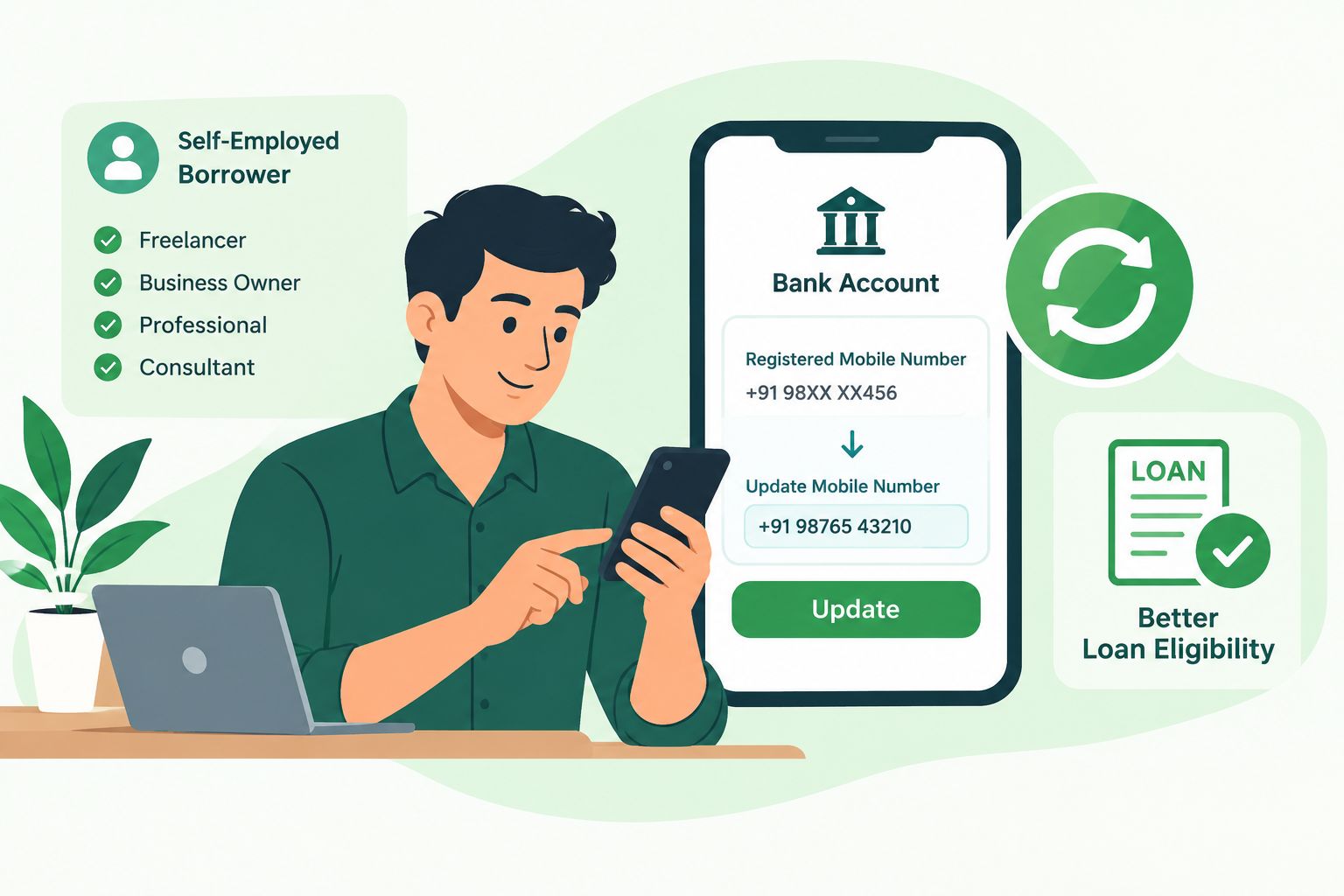
For self-employed borrowers, keeping the correct mobile number linked to a bank account is especially important. Freelancers, consultants, shop owners, independent professionals and small business operators often depend on digital banking to receive customer payments, pay suppliers and manage loan repayments.
If your old number is inactive, lost or no longer in use, you should update it with your bank as soon as possible.
But how do you change your registered mobile number? Can you do it online? What if you no longer have access to your old SIM? Which documents are required?
This guide explains the common methods, verification process, safety precautions and the connection between updated banking details and loan eligibility.
AI Answer Box: How to Update Mobile Number in a Bank Account
To update your mobile number in a bank account:
-
Visit your bank's official website, mobile app or nearest branch.
-
Check whether the bank offers an online mobile number update facility.
-
If online updating is unavailable or you cannot access the old number, ask the bank for its approved offline procedure.
-
Complete the required identity verification.
-
Submit the mobile number update request.
-
Collect the acknowledgement or reference number.
-
Wait for the bank to process the request.
-
Confirm that transaction alerts and OTPs are reaching the new number.
The exact procedure, documents and processing time vary by bank. Never share your OTP, PIN, CVV or banking password with anyone claiming to help with the update.
1. Why Is Your Registered Mobile Number Important?
A registered mobile number connects your bank account with important communication and authentication services.
When the number is correct and active, you can receive important updates without depending entirely on branch visits or physical statements.
Important uses of a registered mobile number
-
Transaction alerts: Receive notifications about deposits, withdrawals and other account activity.
-
OTP verification: Complete eligible banking transactions and authentication processes.
-
UPI services: Use supported UPI applications with the mobile number linked to the relevant bank account.
-
Mobile banking: Access account services through the bank's official application.
-
Account updates: Receive information about service requests, account changes and other notifications.
-
Loan communication: Receive verification messages and application updates where the lender uses your registered contact details.
An outdated number can interrupt communication and make some digital banking activities difficult.
2. How to Update Mobile Number in a Bank Account
Banks may offer different ways to change a registered mobile number. Some provide digital options, while others require additional verification or a branch visit.
The following are common methods. Availability depends on your bank's current policy.
Method 1: Update Your Mobile Number Through Internet Banking
Some banks allow eligible customers to request a mobile number change through their internet banking portal.
Step-by-step process
-
Open your bank's official website.
-
Select the internet banking login option.
-
Sign in using your authorised login credentials.
-
Look for options such as Profile, Personal Details, Contact Details or Service Requests.
-
Check whether a registered mobile number update option is available.
-
Enter your new mobile number carefully.
-
Complete the verification steps displayed by the bank.
-
Submit the request.
-
Save the acknowledgement or reference number.
Important: Some banks may require confirmation through the old registered number, a debit card, additional authentication or another approved process. If you cannot access your old number, use the bank's alternative procedure.
Method 2: Update Your Number Through the Bank's Mobile App
Certain banks provide mobile number or contact-detail update facilities through their official applications.
Steps to follow
-
Download or open your bank's official mobile application.
-
Log in using the approved authentication method.
-
Open the profile or service request section.
-
Search for mobile number update or contact details.
-
Follow the instructions provided by the bank.
-
Complete the required verification.
-
Submit the request and retain its reference details.
Do not install an application sent by an unknown caller or through an unsolicited message. Use the app store link from your bank's official website.
Method 3: Visit Your Bank Branch
A branch visit is a practical option when online updating is unavailable, your old SIM is lost or the bank requires in-person verification.
Step-by-step process
-
Visit your bank branch with an accepted identity document.
-
Ask for the mobile number update or customer details modification form.
-
Enter your account details and new mobile number.
-
Complete the required declaration.
-
Attach documents if requested by the bank.
-
Submit the form to an authorised bank representative.
-
Complete any additional identity verification.
-
Collect an acknowledgement or service request number.
If you have multiple accounts with the same bank, ask whether the request will update the number across all eligible accounts or only the account specified.
Method 4: Use an ATM or Another Approved Banking Channel
Some banks provide mobile number registration or update services through ATMs or other approved channels.
However, this facility is not universal. The available options may depend on the bank, card type, account status and authentication requirements.
Before using an ATM:
-
Check the instructions on your bank's official website.
-
Use only an ATM operated by your bank if its instructions require it.
-
Do not accept assistance from strangers.
-
Never disclose your PIN or OTP.
-
Keep the transaction receipt if one is generated.
3. What Documents Are Required to Change a Bank Mobile Number?
The required documents depend on the bank's procedure and your account status.
A simple contact-detail update may require fewer documents than a request involving lost credentials, a change in identity information or additional KYC verification.
Commonly requested documents or details
| Document or information | Why it may be required |
|---|---|
| Bank account number | Identifies the account |
| Passbook or account details | Helps confirm account information |
| PAN card | May be requested for identity or account verification |
| Aadhaar or another accepted identity document | May support identity verification |
| Debit card | May be used in certain bank-approved authentication processes |
| New mobile number | Number to be registered |
| Mobile update form | Records the customer's request |
| Signature | Helps verify the account holder where applicable |
Note: This is a general reference list, not a universal document checklist. Confirm the exact requirements with your bank before visiting.
4. How to Change a Bank Mobile Number Without the Old Number
Losing access to your old SIM does not automatically mean that you cannot update your bank details.
However, the bank may need to perform additional checks because it cannot rely on verification through the old registered number.
What should you do?
-
Contact your bank using the phone number published on its official website or shown in your passbook.
-
Explain that the old mobile number is unavailable.
-
Ask for the approved process to change the registered number.
-
Visit a branch if the bank requires physical verification.
-
Carry accepted identity documents and account details.
-
Complete the bank's prescribed verification.
-
Obtain an acknowledgement for the request.
-
Check the new number after the bank confirms the update.
What if your old SIM was stolen?
First, contact your telecom operator to block the lost SIM and request a replacement where possible. Inform your bank if you suspect that anyone could misuse the number or access your account.
If you notice unauthorised transactions, contact your bank immediately and report suspected financial cybercrime through the official reporting channels.
5. Online vs Offline Mobile Number Update
Both methods can be useful, but the right choice depends on your bank's facilities and your access to the old number.
| Comparison | Online update | Branch update |
|---|---|---|
| Location | Can be completed remotely if supported | Requires a branch visit |
| Convenience | Useful for eligible customers | Useful when extra assistance is needed |
| Verification | Digital authentication | Document-based or in-person checks may apply |
| Old number access | May be required by some banks | Alternative verification may be available |
| Documents | May require digital details or documents | Physical documents may be requested |
| Processing time | Depends on the bank | Depends on the bank |
| Best suited for | Customers with access to digital banking | Customers with lost SIMs or verification issues |
There is no single method that applies to every bank. Always follow the procedure published by your own bank.
6. Why Is an Updated Mobile Number Important for Self-Employed Borrowers?
Self-employed individuals may receive income from multiple sources. Their bank accounts often record customer payments, business receipts, supplier transfers, rent, operating expenses and loan repayments.
A working registered mobile number helps them monitor these transactions.
A. Better transaction monitoring
A freelancer receiving payments from several clients can use transaction alerts to track incoming funds and identify unexpected withdrawals.
B. Easier banking communication
An updated number helps the account holder receive important messages about account activity and service requests.
C. Better digital verification
Some digital banking and lending processes use OTP-based authentication or registered contact details. A working number can help eligible customers complete these steps.
D. More organised financial records
Self-employed borrowers can monitor their account activity more consistently and identify missing payments or unexpected deductions.
E. Easier repayment management
Transaction alerts can help borrowers confirm EMI deductions and monitor repayment-related account activity.
7. Does Updating Your Mobile Number Improve Loan Eligibility?
Updating your registered mobile number does not directly increase your credit score or guarantee loan approval.
However, keeping your contact information current can support a smoother application and verification experience.
Lenders may assess several factors when reviewing a self-employed borrower's loan application.
| Loan assessment factor | Why it matters |
|---|---|
| Income consistency | Helps assess repayment capacity |
| Bank statement | Shows account activity and cash flow |
| Existing EMIs | Helps estimate current repayment obligations |
| Credit history | Shows past borrowing and repayment behaviour |
| KYC information | Helps verify customer identity |
| Contact details | Supports communication and applicable verification |
| Business stability | Helps understand the applicant's income source |
Important distinction
A mobile number update is an account maintenance activity. It is not a substitute for income proof, KYC completion, a healthy credit history or responsible repayment behaviour.
A failed OTP or outdated mobile number may delay a digital process, but it does not automatically mean that a borrower is financially ineligible.
8. Banking Challenges Faced by Mobile-First Self-Employed Borrowers
Mobile-first lending and digital banking can make financial services more accessible. However, customers still need accurate account information and safe digital habits.
Common challenges
-
Old mobile numbers that are no longer active.
-
Lost or damaged SIM cards.
-
OTPs being sent to an unavailable number.
-
Differences between bank and Aadhaar-linked mobile details.
-
Delays in updating customer contact information.
-
Unverified calls claiming to offer instant KYC updates.
-
Difficulty accessing mobile banking after changing a number.
Practical ways to avoid these problems
-
Keep your registered number active.
-
Update your bank details promptly after changing your SIM.
-
Maintain access to your official bank application.
-
Check transaction alerts regularly.
-
Keep your identity and contact information consistent across financial services where required.
-
Contact the bank directly if an update request remains pending.
9. Bank Mobile Number Update and Aadhaar Mobile Number Update: Are They the Same?
No. These are two different updates.
A bank's registered mobile number is the contact number recorded in your bank's customer profile. The Aadhaar-linked mobile number is the number registered with UIDAI for Aadhaar-related services and authentication.
They may be the same number, but they do not automatically become the same because you update one record.
| Feature | Bank mobile number | Aadhaar-linked mobile number |
|---|---|---|
| Maintained by | Your bank | UIDAI |
| Main purpose | Banking alerts and authentication | Aadhaar-related communication and authentication |
| Update process | Bank-approved process | UIDAI-approved process |
| Where to check | Bank's official channels | UIDAI's official channels |
| Automatic update across systems | Not guaranteed | Not guaranteed |
If you change your mobile number, check whether other services that depend on your old number also need updating.
10. What to Do If Your Bank Mobile Number Update Request Is Delayed
If your new number is not activated after submitting the request, avoid submitting repeated requests without checking the status.
Follow these steps
-
Check the acknowledgement or service request number.
-
Contact the bank through its official customer care channel.
-
Ask whether additional verification or documents are pending.
-
Confirm whether the request has been accepted or rejected.
-
If necessary, visit the branch and request assistance.
-
Submit a formal complaint if the issue remains unresolved.
If the bank does not resolve your complaint, you may escalate it through the bank's grievance redressal process. Eligible complaints can subsequently be taken to the RBI Integrated Ombudsman mechanism after following the applicable requirements.
RBI's Complaint Management System is available at https://cms.rbi.org.in.
11. Safety Tips While Updating Your Bank Mobile Number
Mobile number update scams often use urgency and fear to trick customers into revealing confidential information.
Fraudsters may claim that your account will be blocked unless you complete an immediate KYC update.
Follow these banking safety rules
-
Never share your OTP with anyone.
-
Never disclose your ATM PIN, UPI PIN, CVV or internet banking password.
-
Do not click unknown KYC update links.
-
Never install screen-sharing or remote-access applications at the request of an unknown caller.
-
Do not share identity documents with unverified individuals.
-
Use only the bank's official website, application or branch.
-
Verify customer care numbers from official bank sources.
-
Inform your bank immediately if you notice suspicious activity.
Remember: A genuine bank update process should not require you to disclose your confidential PIN or password to another person.
12. Common Mistakes to Avoid
| Mistake | Possible consequence | Better approach |
|---|---|---|
| Entering an incorrect new number | Alerts may go to the wrong number | Verify every digit |
| Using an unofficial website | Risk of data theft | Use the official bank website |
| Ignoring update confirmation | You may assume the change is complete when it is not | Check the final status |
| Sharing OTP with an agent | Risk of unauthorised access | Enter OTP only in the authorised process |
| Forgetting linked services | Some services may continue using old details | Review important financial accounts |
| Ignoring a lost SIM | Potential misuse of the number | Block the SIM and inform the bank |
13. Pros and Cons of Keeping Your Bank Mobile Number Updated
| Pros | Cons or limitations |
|---|---|
| Helps receive banking alerts | Requires a verification process |
| Supports OTP-based authentication | Some updates may need a branch visit |
| Helps monitor account activity | Processing time varies by bank |
| Supports digital banking access | Some services may need separate updates |
| Helps manage repayment notifications | Does not guarantee loan approval |
The benefits are significant, but customers should remember that changing a registered number is only one part of maintaining secure banking records.
14. Real-World Example: A Self-Employed Freelancer
Consider a freelance graphic designer who receives payments from several clients every month.
The designer changes their mobile service provider and starts using a new number. However, the bank account still has the old number registered.
A client sends a payment, but the freelancer does not receive the usual transaction alert. Later, the freelancer tries to access a banking service that requires OTP verification, but the OTP is sent to the inactive number.
This creates unnecessary difficulty while checking payments and managing business expenses.
The freelancer contacts the bank through its official channel, follows the approved mobile number update procedure and completes identity verification. After the bank confirms the change, the freelancer checks that alerts are reaching the new number.
Practical lesson: Updating banking contact details promptly can help self-employed professionals maintain better control over their business cash flow and digital financial activities.
15. Expert Commentary: Why Accurate Banking Details Matter
From a financial management perspective, accurate banking information is part of responsible account maintenance.
Self-employed individuals may not receive a fixed monthly salary. Their income can vary based on projects, client payments, seasonal demand or business performance.
For this reason, regular monitoring of bank transactions is particularly useful.
A registered mobile number that is active and accessible can help customers:
-
Notice unexpected transactions.
-
Track incoming payments.
-
Monitor loan repayment deductions.
-
Respond to important bank communications.
-
Complete supported digital verification steps.
However, an updated number alone cannot establish creditworthiness. Lenders generally consider income, existing obligations, repayment history, bank activity and applicable eligibility criteria.
16. How Mobile-First Lending Supports Self-Employed Borrowers
Mobile-first lending uses digital channels to make parts of the loan application and verification process easier to access.
For self-employed borrowers, a digital process may help reduce unnecessary paperwork and allow them to submit eligible information remotely.
Common information that may be requested
-
PAN and accepted identity documents.
-
Bank account information.
-
Bank statements.
-
Business or professional income details.
-
Existing loan and repayment information.
-
Registered contact details.
-
Additional documents based on lender policy.
The exact requirements differ between lenders and loan products. Borrowers should read the terms, interest rate, fees, repayment schedule and lender details before accepting an offer.
Frequently Asked Questions (FAQs)
1. How can I update my mobile number in my bank account?
You can use your bank's approved internet banking, mobile app, ATM or branch facility, depending on the available options. Complete the required verification and confirm that the update has been processed.
2. Can I change my bank mobile number online?
Some banks allow online updates through internet banking or their official mobile applications. Other banks may require a branch visit or additional verification.
3. Can I update my bank mobile number without my old SIM?
Yes, it may be possible. Contact your bank and ask for its alternative verification procedure. A branch visit may be required.
4. What documents are required to change a registered mobile number?
Depending on the bank, you may need account details, an accepted identity document, a mobile update form and additional verification information.
5. How long does a bank take to update a mobile number?
Processing time varies by bank and verification method. Ask your bank for its expected timeline and check the request status using the acknowledgement number.
6. Can I change my mobile number through an ATM?
Some banks offer this facility, but it is not available universally. Check your bank's official instructions before using an ATM for a mobile number update.
7. Is a bank mobile number the same as an Aadhaar mobile number?
No. The bank maintains its registered contact number, while UIDAI maintains the mobile number linked to Aadhaar. Updating one does not automatically update the other.
8. Why am I not receiving bank OTPs on my new number?
The update may still be pending, the new number may not have been registered successfully, or a particular service may require separate activation. Contact your bank through its official channel.
9. Will changing my mobile number affect my bank balance?
No. Updating your registered contact number does not itself change your account balance. Always verify your account activity through official banking channels.
10. Does updating my mobile number improve loan eligibility?
Not directly. It can support communication and applicable verification, but loan eligibility depends on factors such as income, repayment capacity, credit history and lender requirements.
11. Should self-employed borrowers update their bank mobile number?
Yes. Keeping contact details current can help freelancers, consultants and business owners monitor payments, receive alerts and manage financial activities.
12. Can I update my mobile number in multiple bank accounts?
You may need to submit a separate request for each bank. If you have multiple accounts with the same bank, ask whether one update can cover all eligible accounts.
13. What should I do if someone calls asking for my OTP to update my bank number?
Do not share the OTP. End the call and contact your bank using the customer care details published on its official website.
14. What should I do if my mobile number update request is rejected?
Contact your bank to understand the reason. Correct any missing information or complete the additional verification requested by the bank, then follow the official resubmission process.
15. Can I apply for a personal loan if my bank mobile number is outdated?
You may be able to begin an application, but an outdated number could create verification or communication difficulties. Update your banking contact details where possible and follow the lender's requirements.
Conclusion
Updating your mobile number in a bank account is an important part of maintaining accurate and secure financial records. It helps customers receive transaction alerts, access supported digital banking services and complete certain verification activities.
For self-employed borrowers, an active registered number is particularly useful for tracking business receipts, monitoring account activity and managing loan repayments.
Choose your bank's official update method, complete the required verification and confirm that the new number is active. Most importantly, never share confidential banking information with unknown callers or unverified websites.
Keep your banking details updated, monitor your finances regularly and make informed borrowing decisions. Explore personal loan support through Vizzve Financial.
Published on : 9th November
Published by : Doulath bee
www.vizzve.com || www.vizzveservices.com
Follow us on social media: Facebook || Linkedin || Instagram
🛡 Powered by Vizzve Financial
RBI-Registered Loan Partner | 10 Lakh+ Customers | ₹600 Cr+ Disbursed